At Grand Valley State University I had the pleasure of teaching within the Visual Studies Department. I have taught Making and Meaning, as well as a course that discusses Interactive, collaborative, and digital art.
I have instructed students within projects such as:
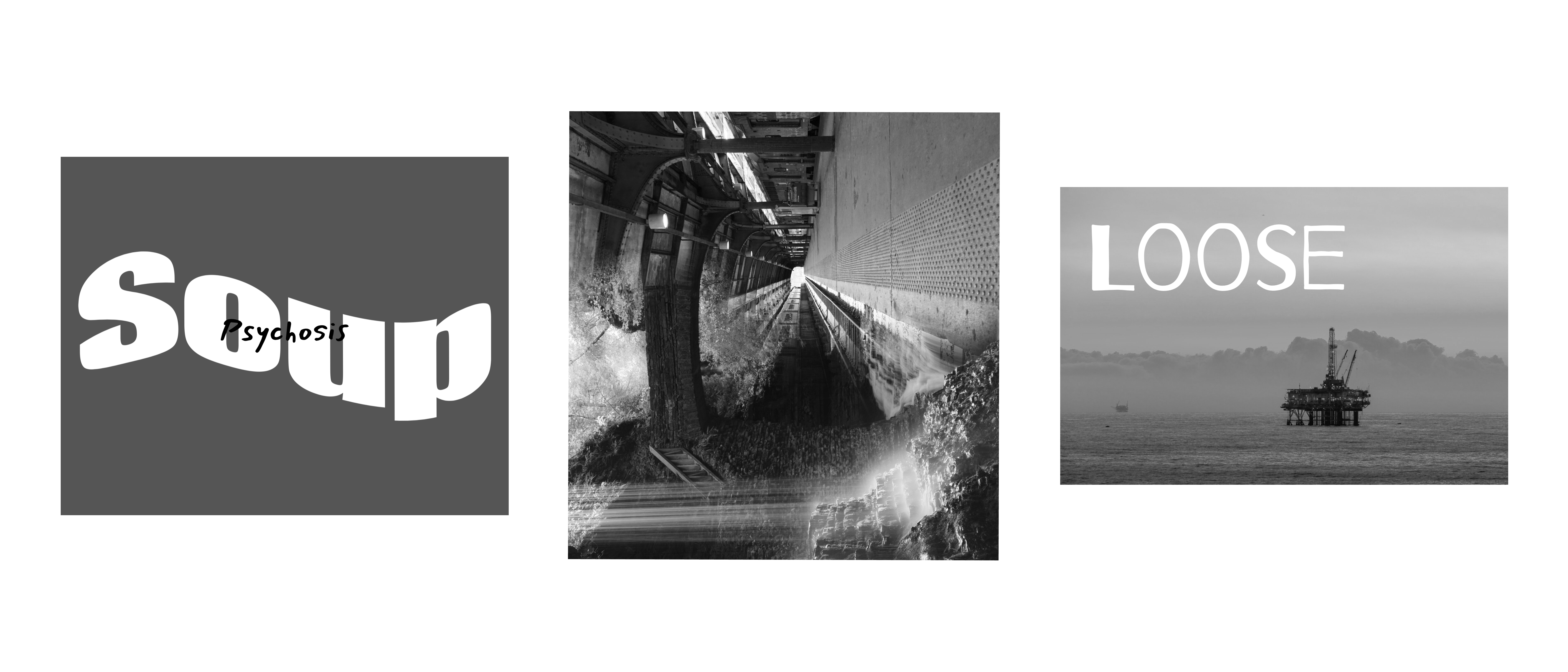
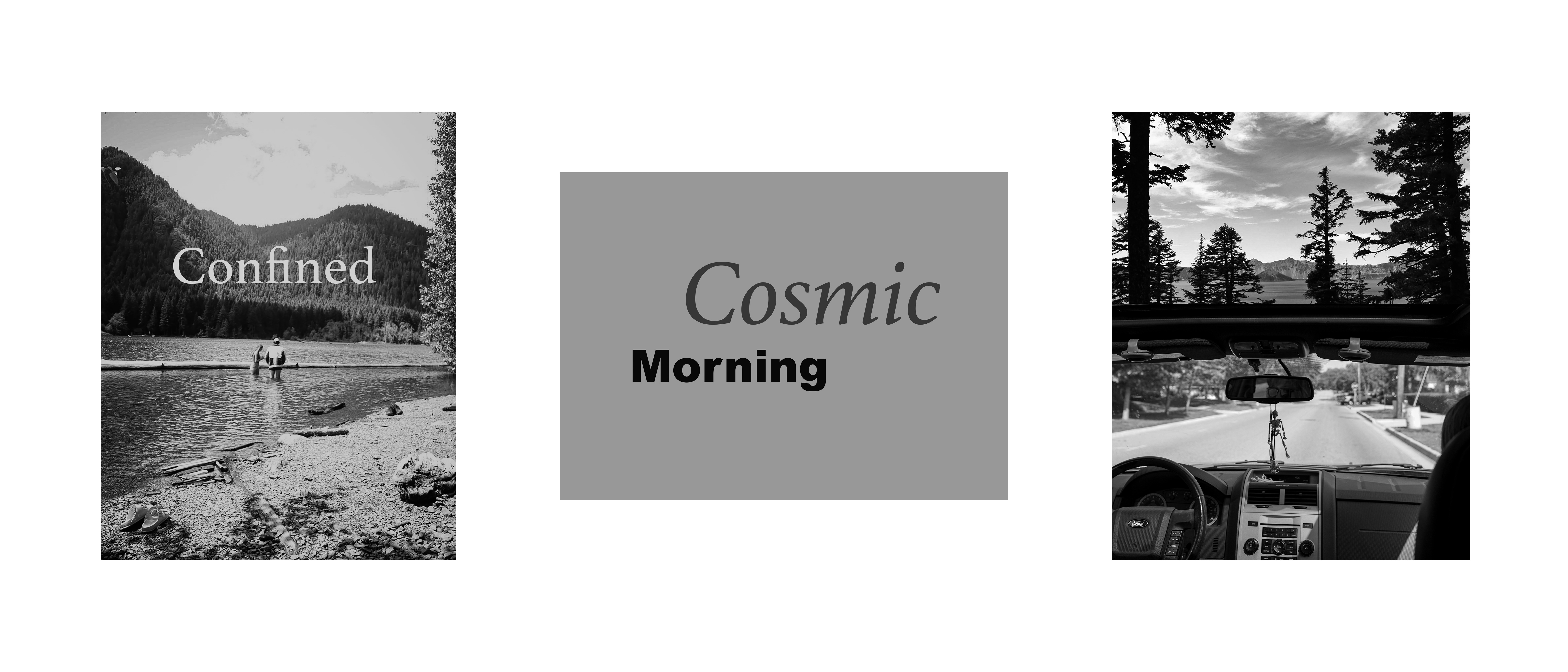
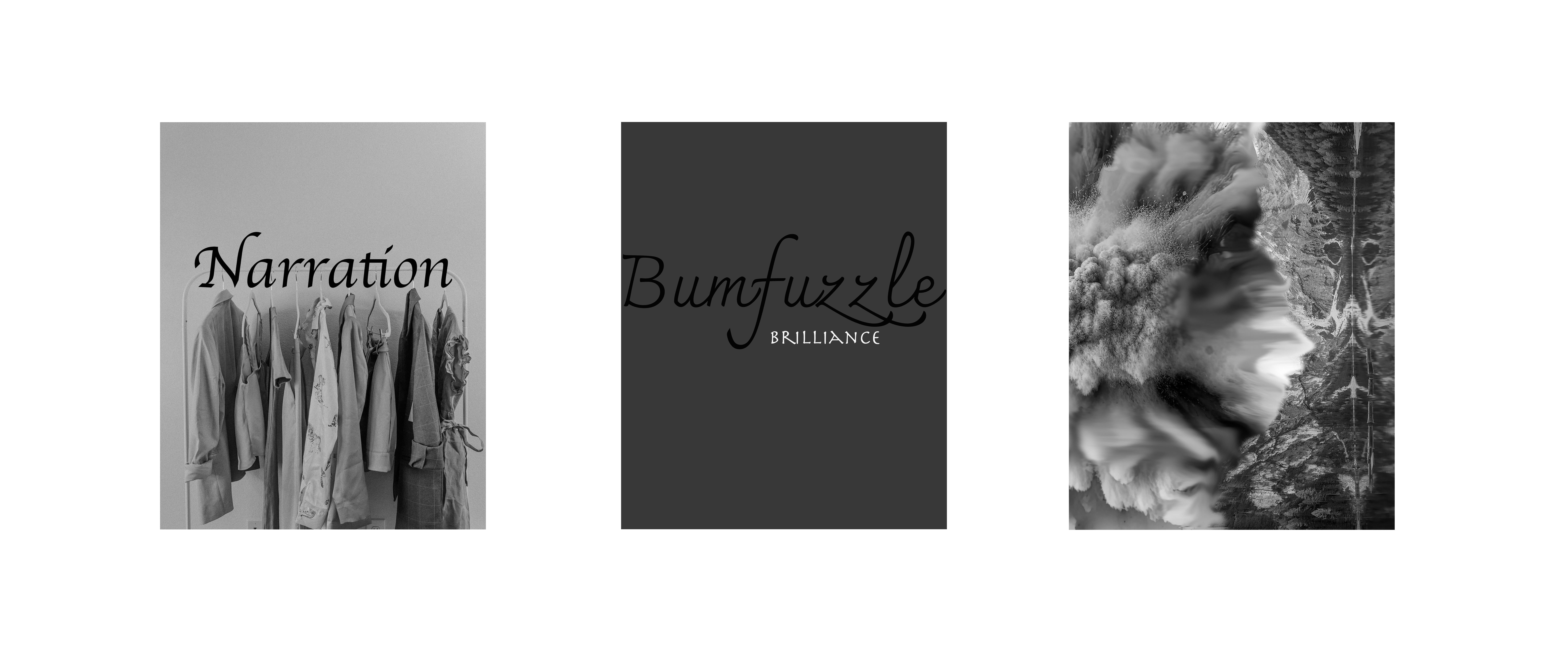
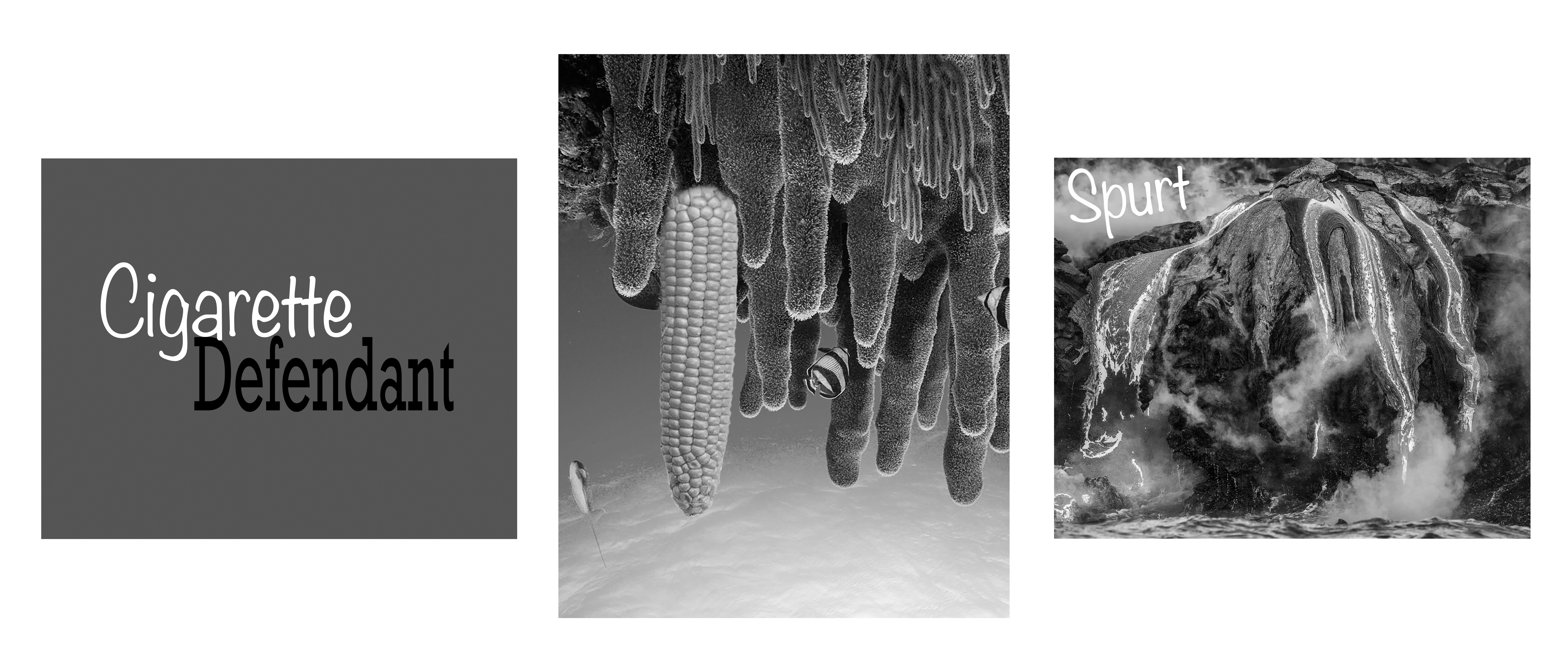
- Word/Image designs – which teach the students how words or images can interchangeable alter the takeaway message from the viewer
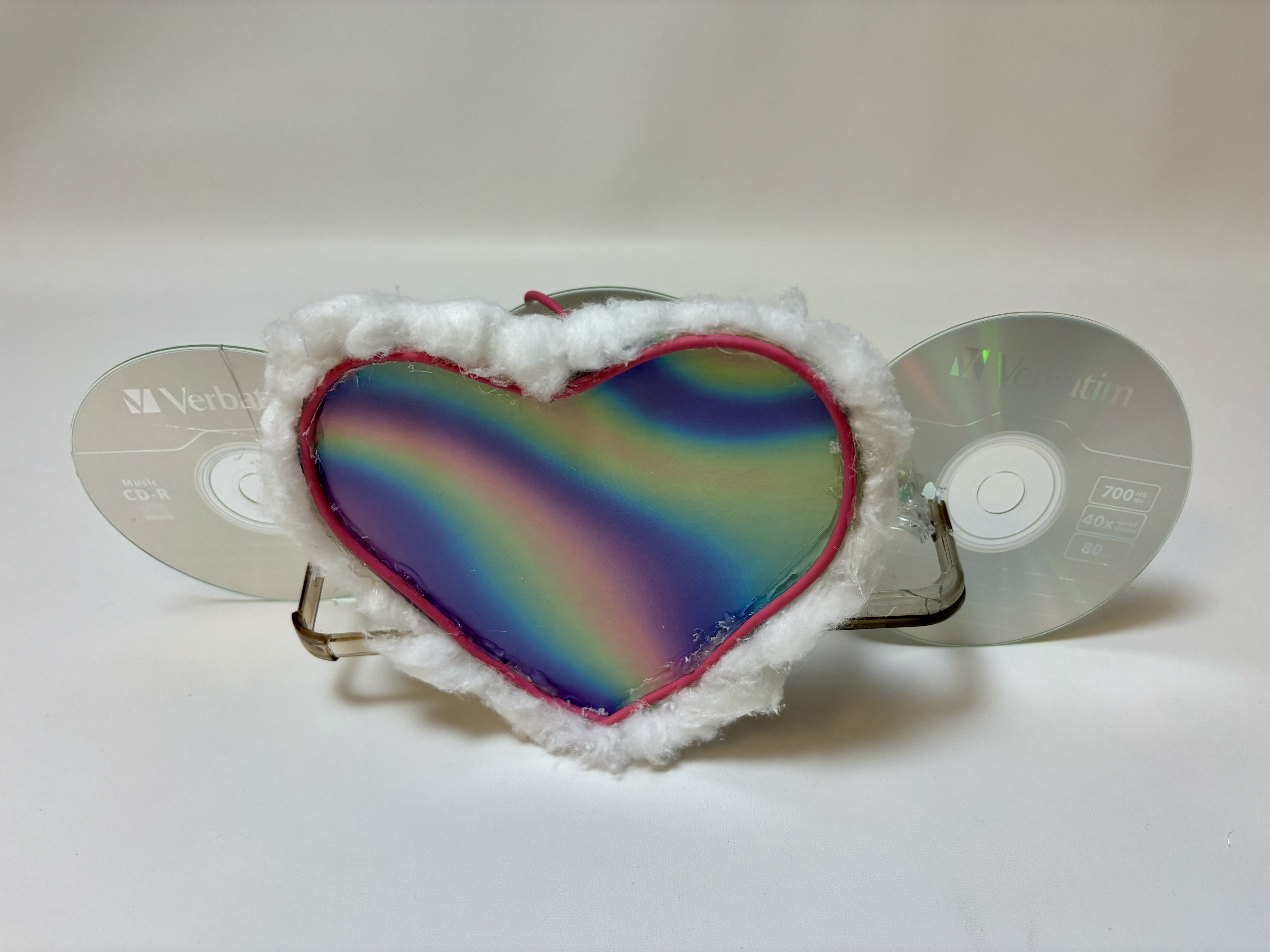
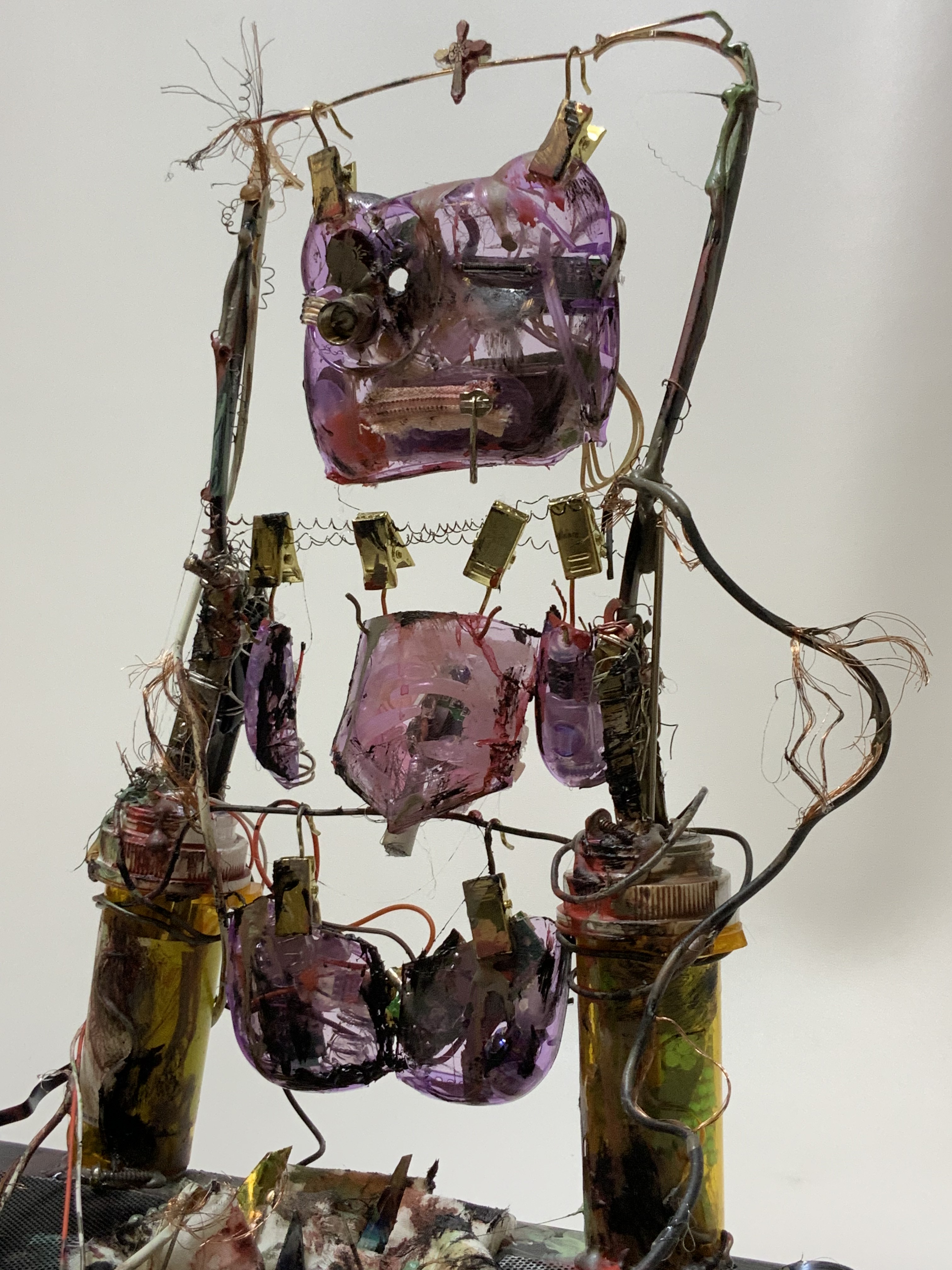
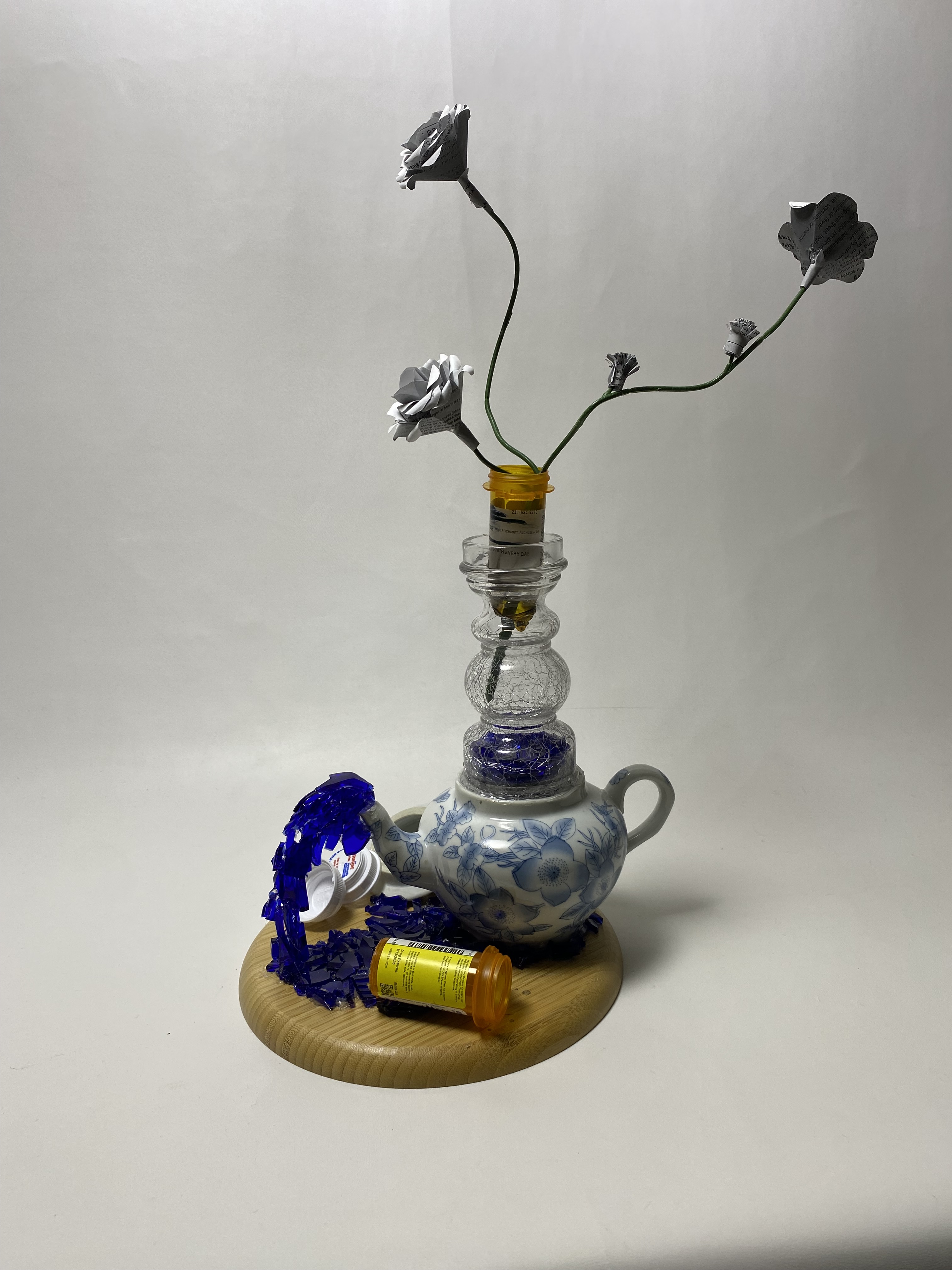
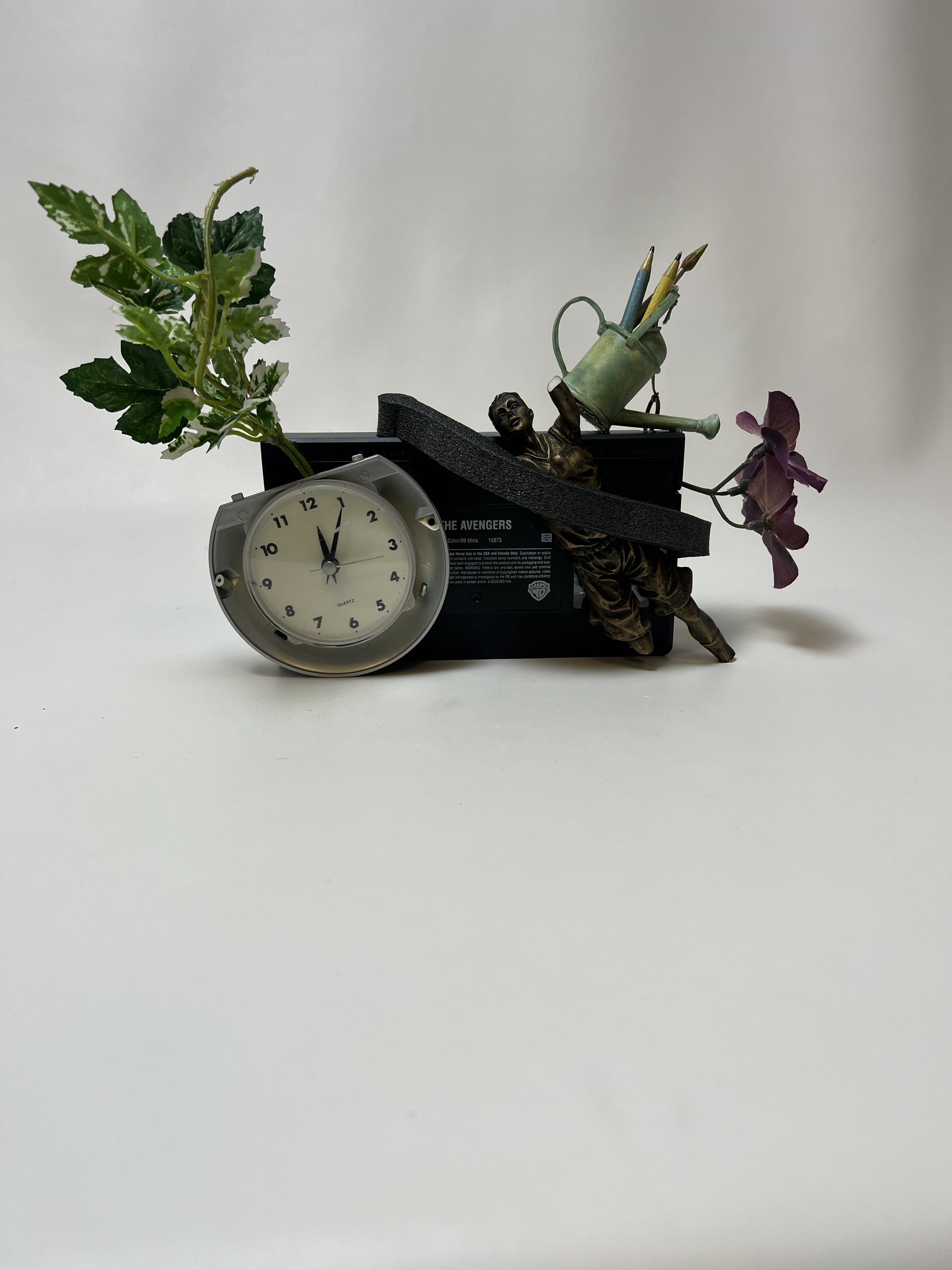
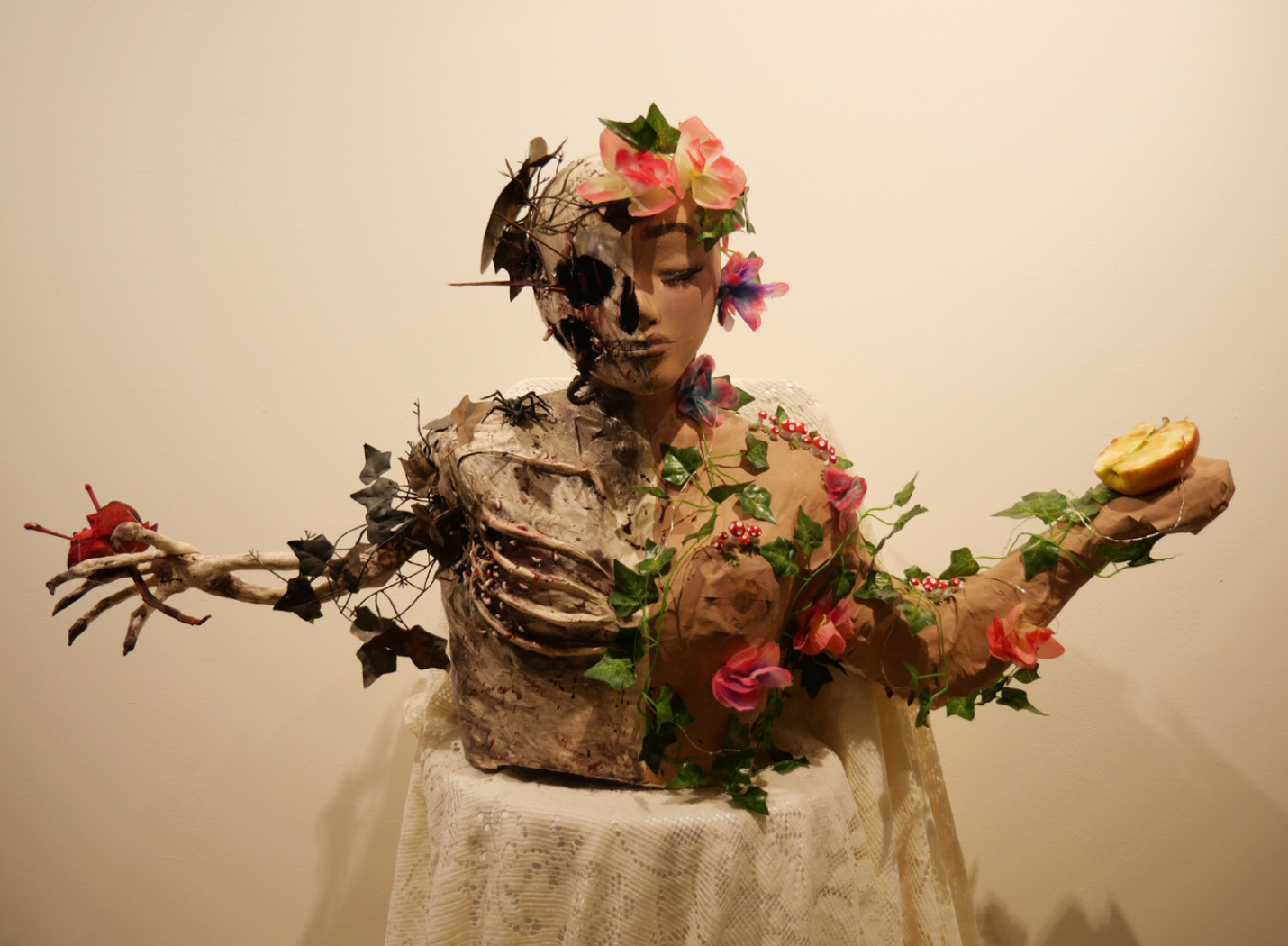
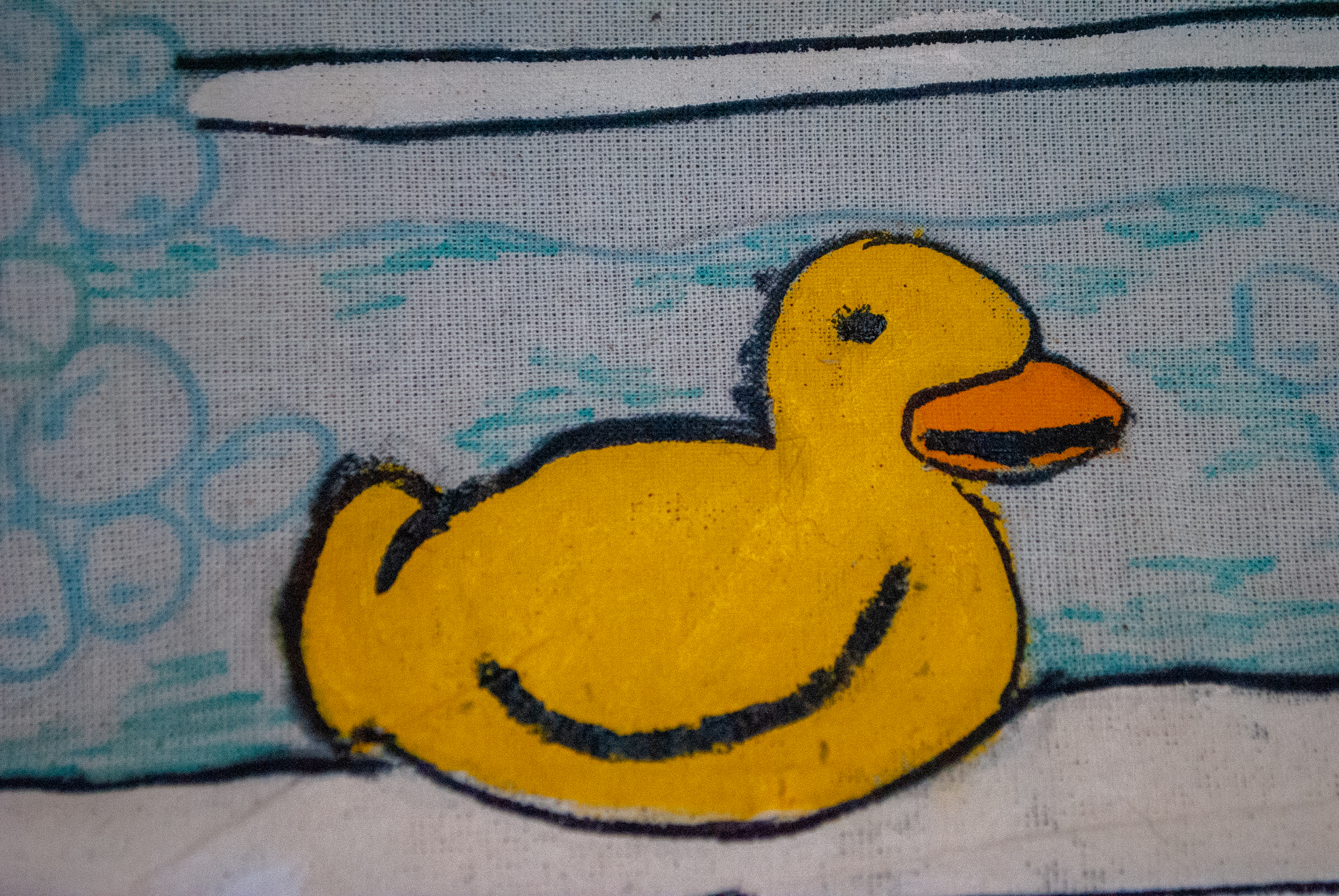
- Object / Ready Mades – Students have to create new objects from objects they have deconstructed. We go over theories such as ‘slippage’ that show how when objects lose their ‘function’ we have given it as a society, it can be given a new function.
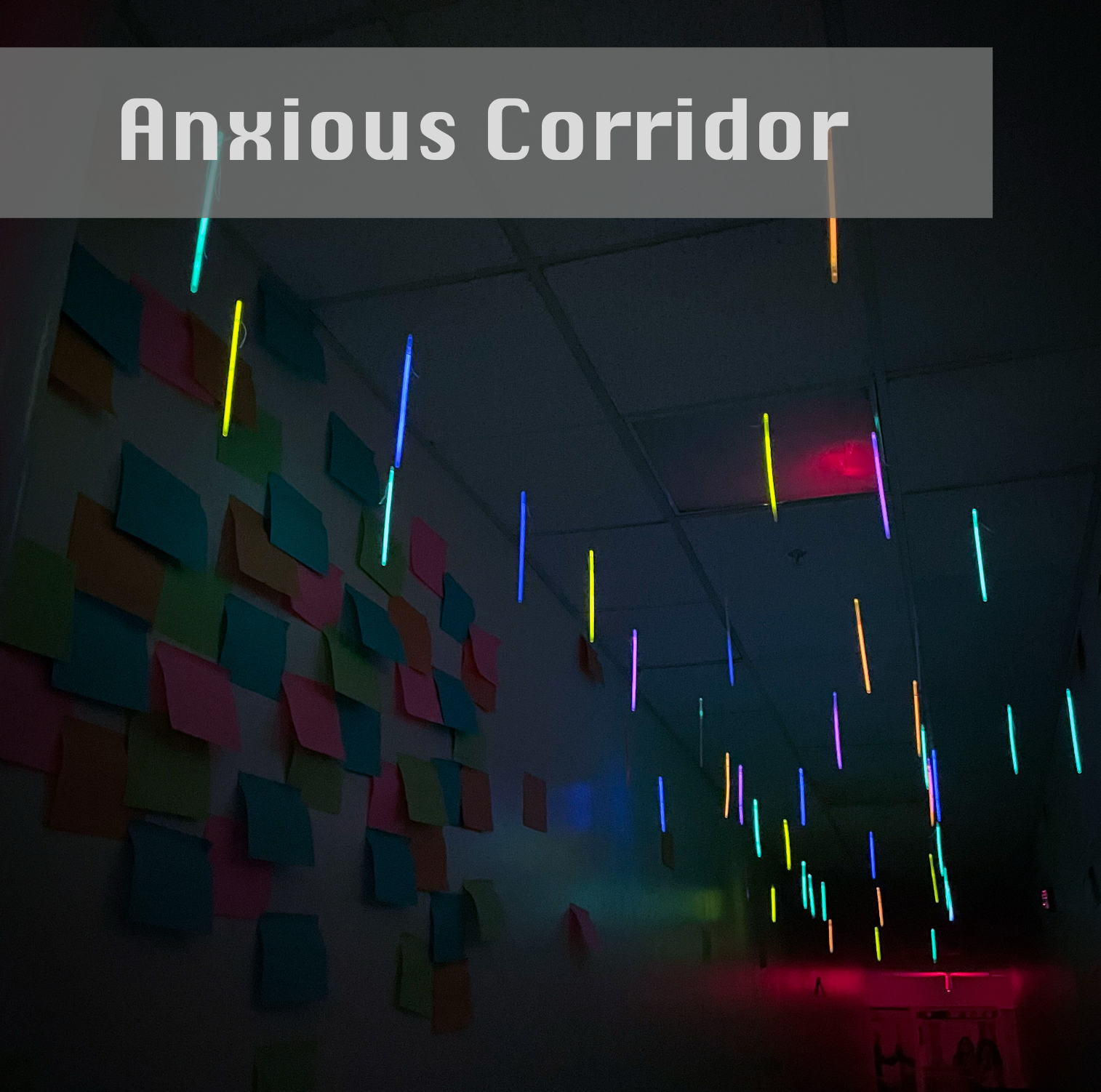
- Installation and group work – There is a huge benefit in learning how to work with other people. As we enter the work force we often have to collaborate or work with others [whether we are in business or in art]. This project also allows students to see the importance of space, lighting, and the importance of choosing the correct space for their design or concept so it can speak to what they intend.
Throughout all of my courses there is a bookmaking element since all bookmaking offers interactive qualities with a viewer and its’ designer. Within these projects students have to learn photoshop as well as InDesign, which is often used for creating marketing materials within the workforce for advertising, marketing, and business relations.
My interactive, collaborative and digital course has projects such as:
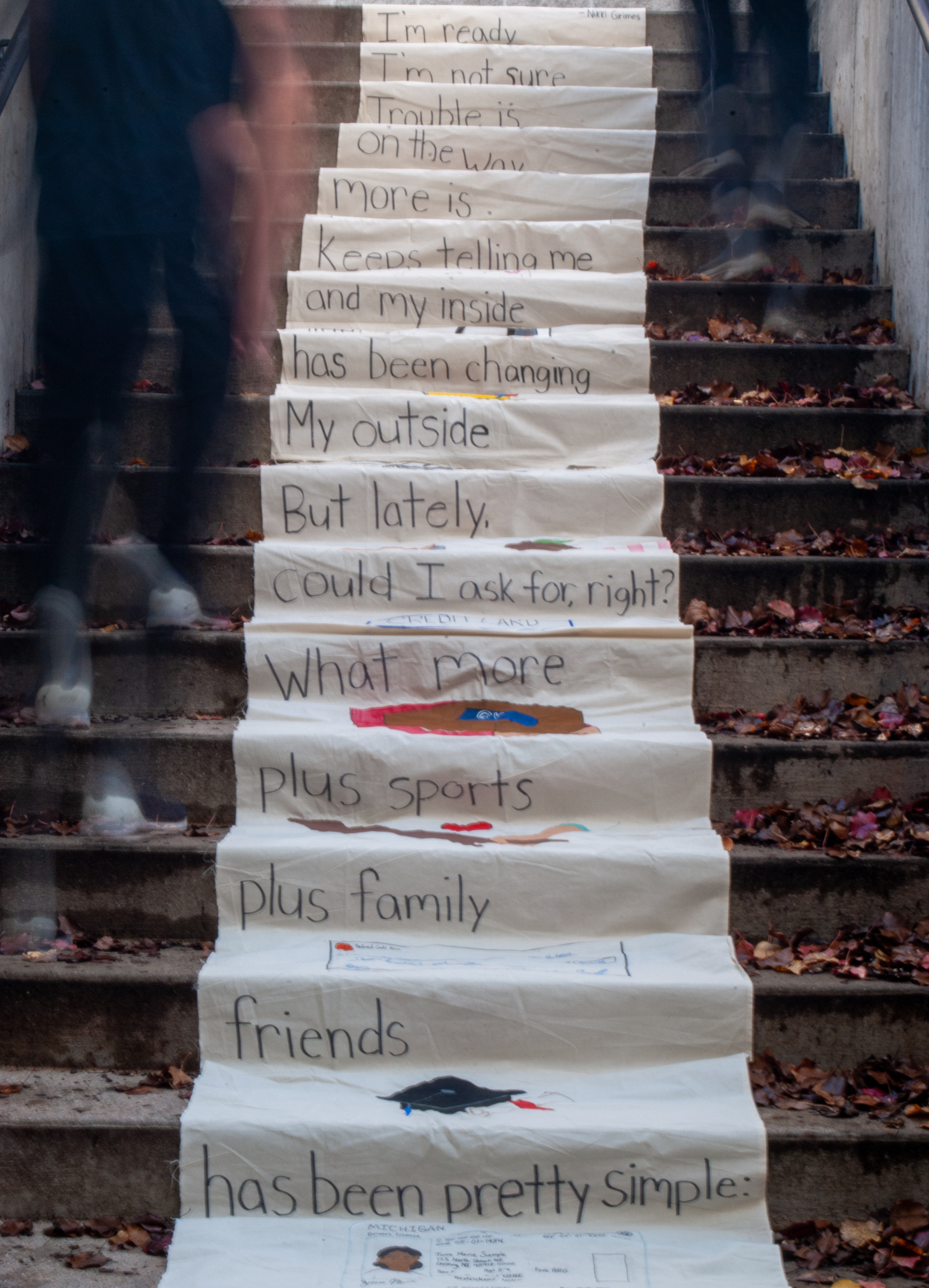
- ‘sending a message’ to strangers – building a physical installation that offers strangers to send ‘positive’ messages to one another physically [not digitally]. This may be within ‘scrolls’ that allow students to speak to one another on campus, or simplistically with post it notes that are responsive – but it has to be contained within some sort of built container.
- Building either a ‘pop up’ book, or a book of choices. This is our first segway into site-maps that we will follow up later in the semester through the program of Dreamweaver.
- Building GIFS and Videos with surprise endings through video premiere pro, and with GIPHY
- Building a sitemap with dreamweaver that gives online viewers the illusion of choice.
Making and Meaning
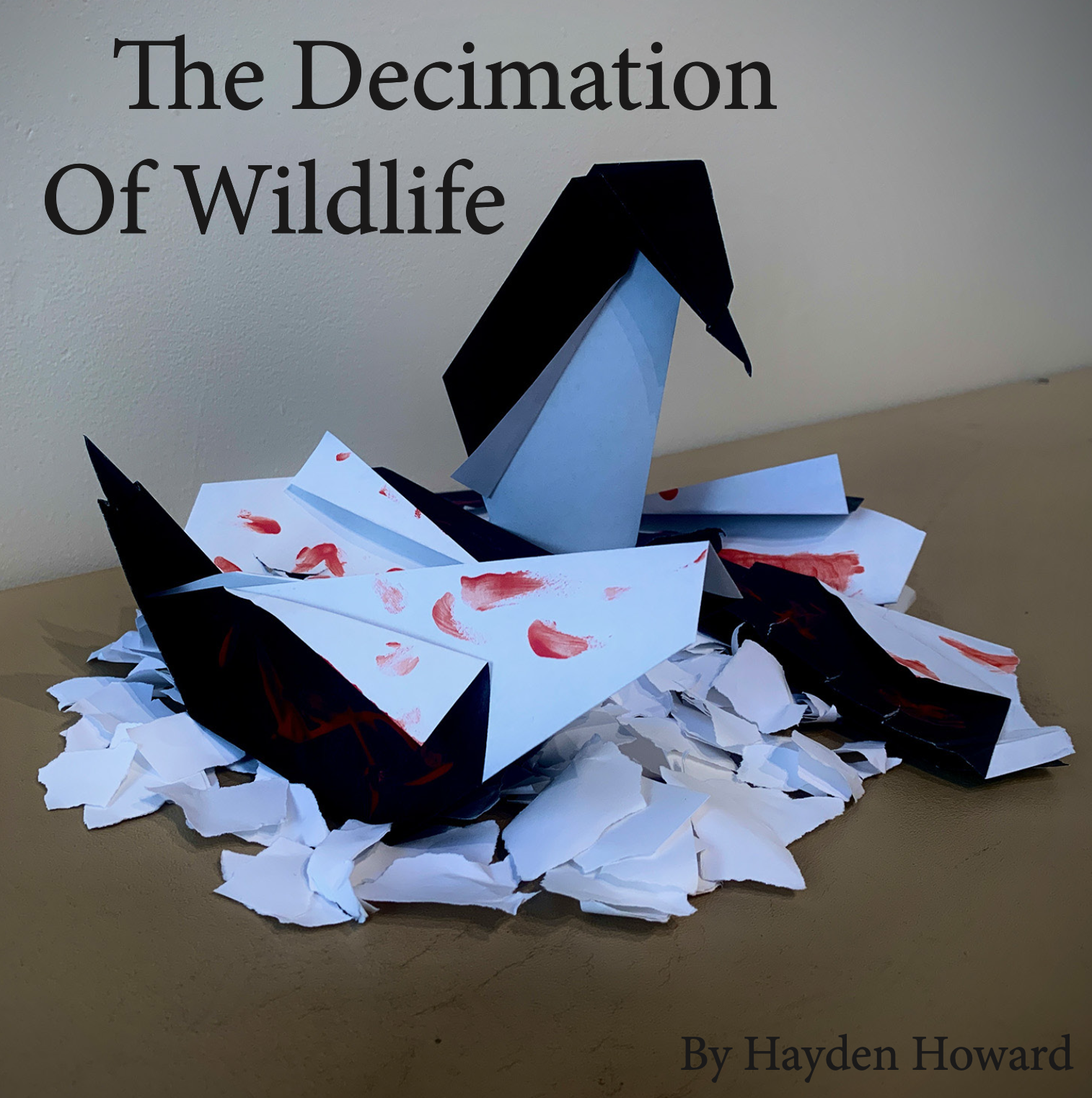
Project: Word/Image Project
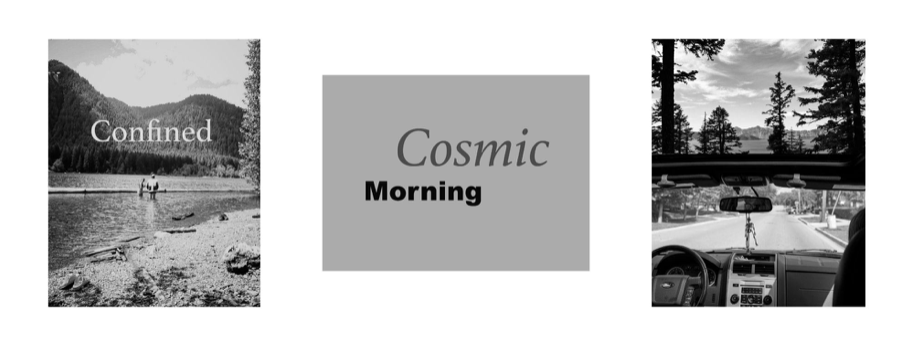
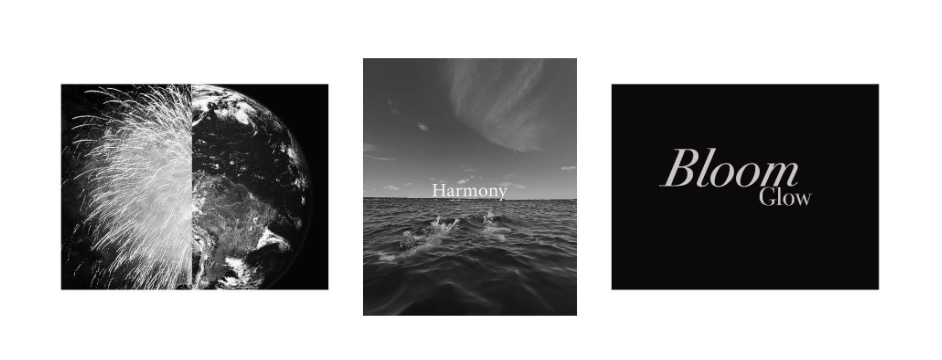
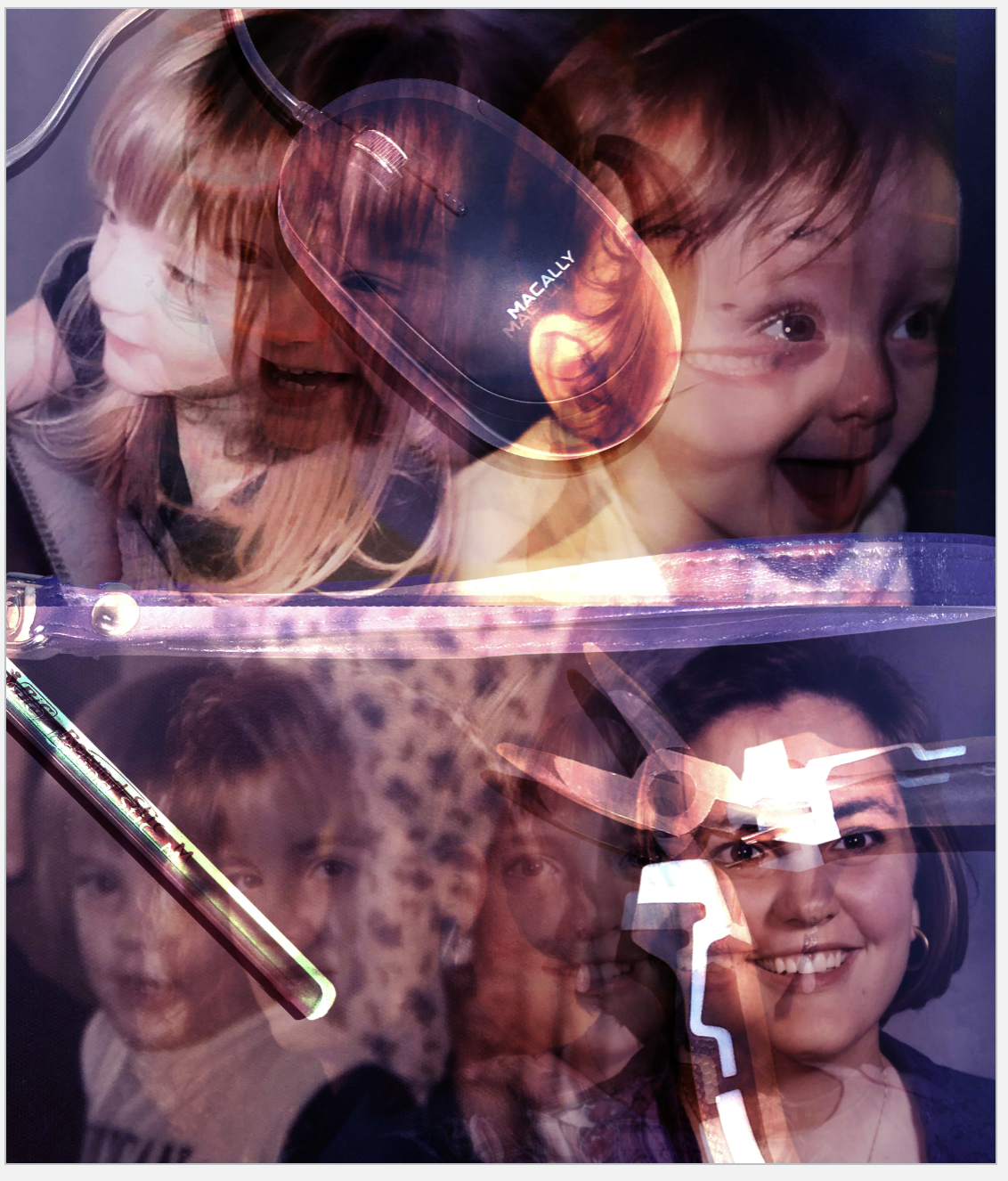
A project to educate students on composition, balance, and introductory layering within photoshop. This project shows the difference in interpretation the viewer may take away with different images next to each other OR with slight changes of words or images. This showcases the importance of curation, choice of words, choice of image, and the power of the viewers interpretation if the artist is not very intentional about their choices.






Project: Object / Ready-Mades
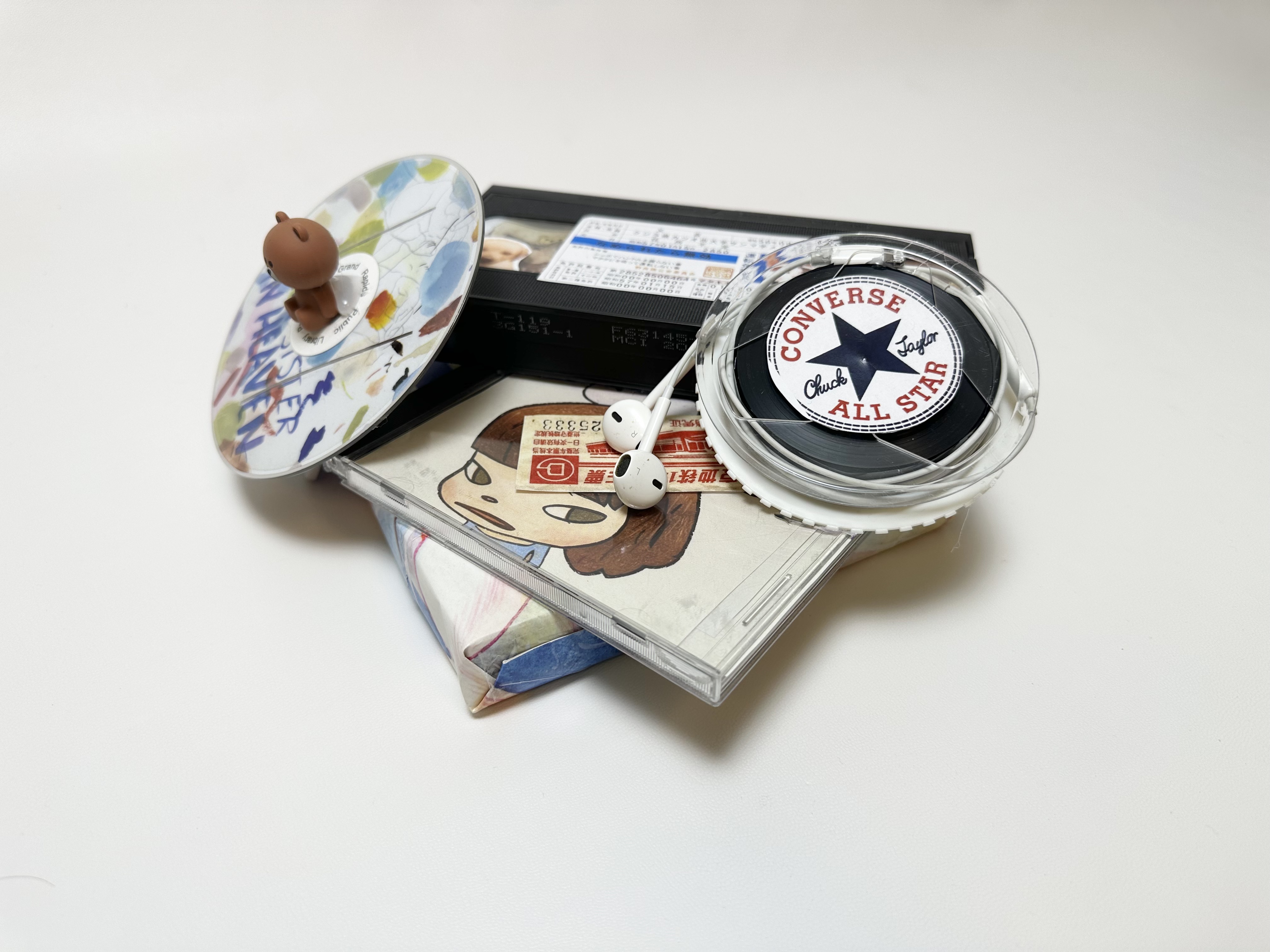
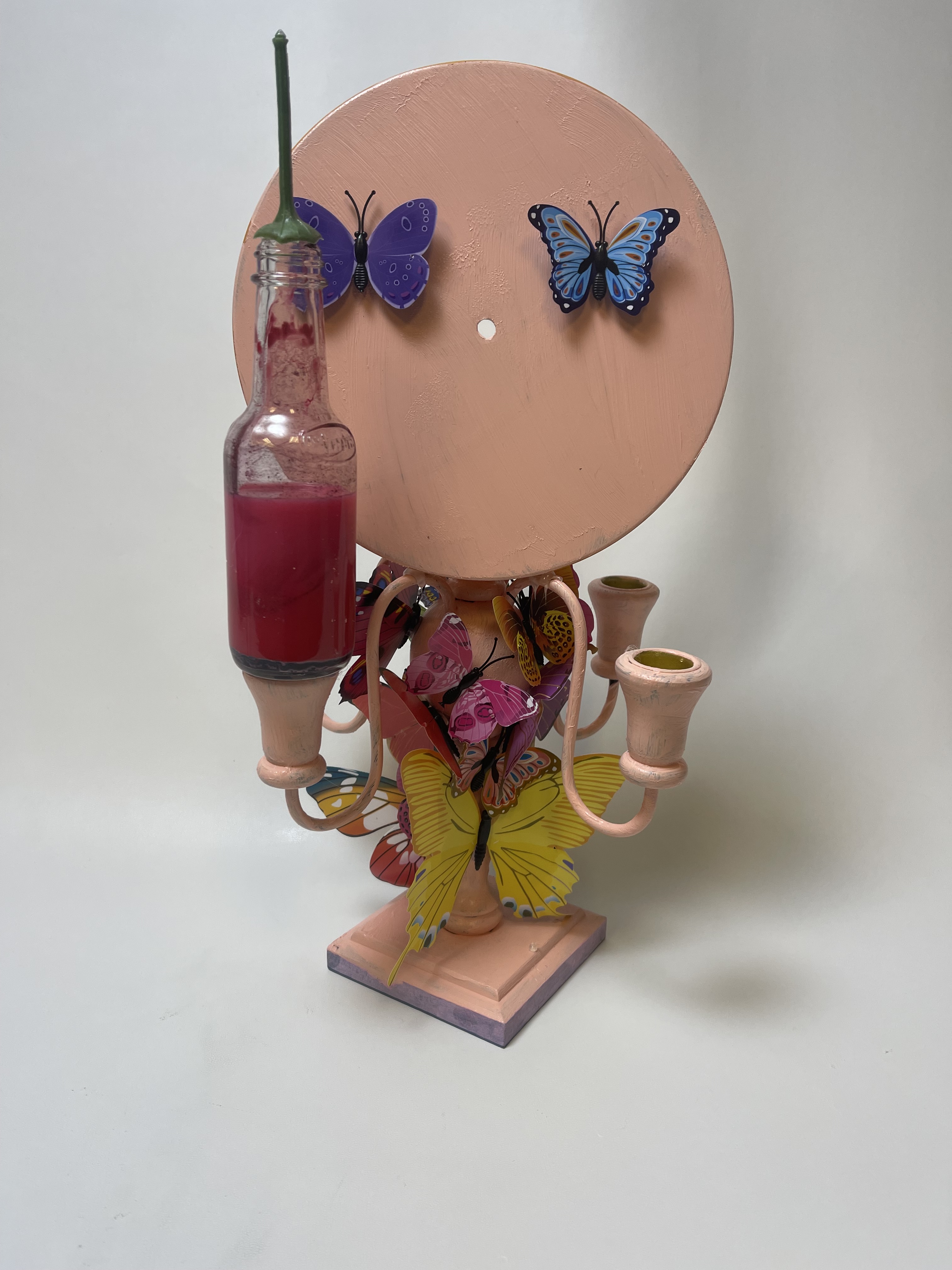
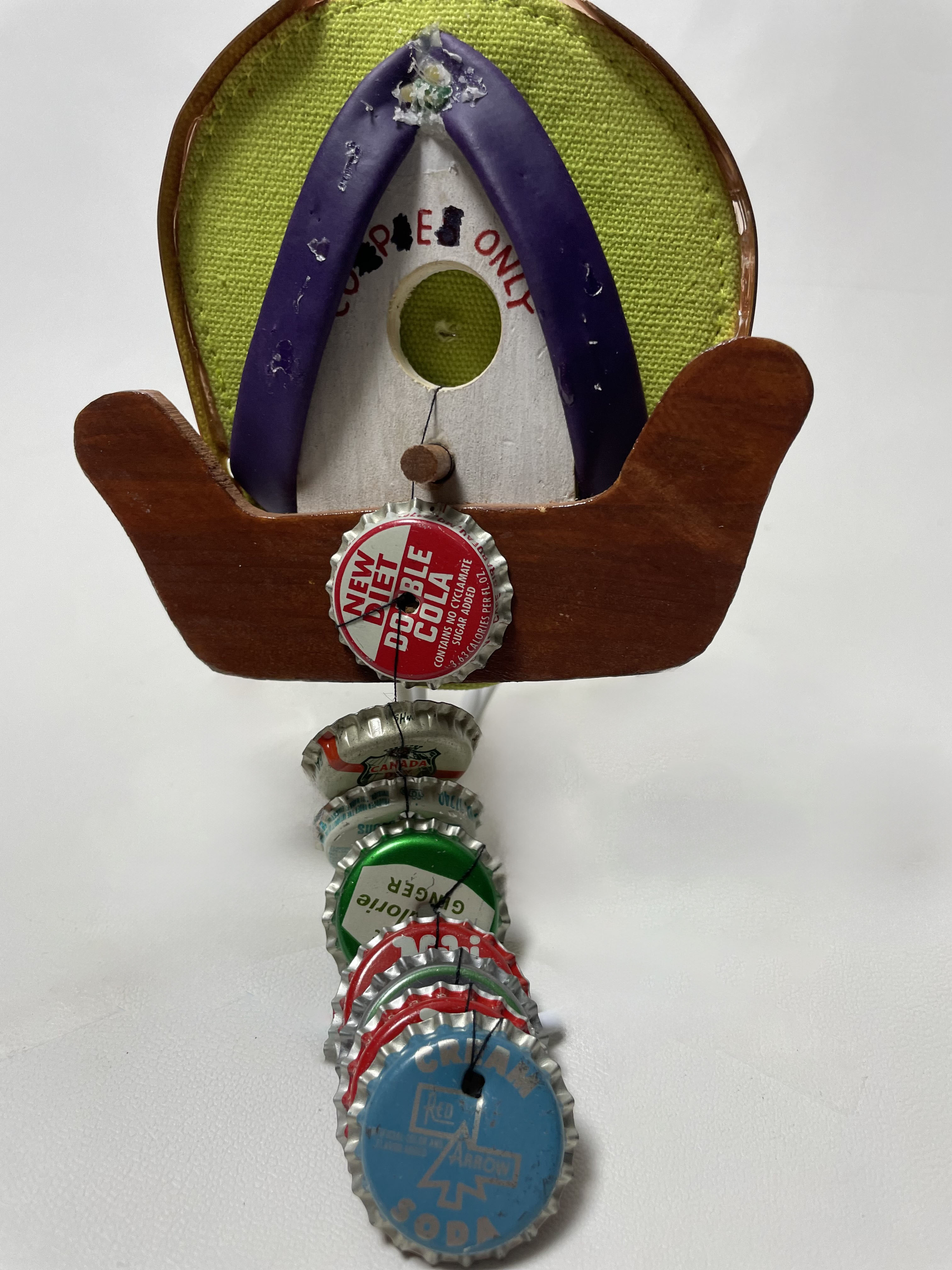
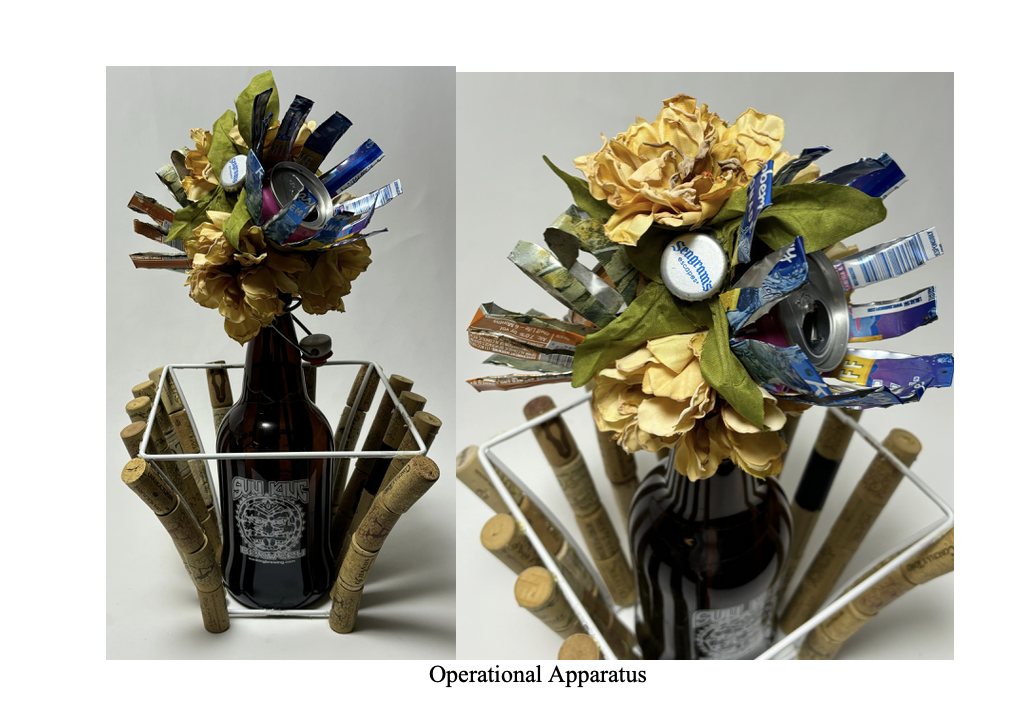
A project that discusses art created by found objects. We define ‘slippery’ objects as we strip them from their original function to make something new. The students learn structure, molding materials, sustainability in products [materials, adhesives, length of lasting] and how to build objects with concept. Students also learn how to photograph their objects in a professional manner as if they can only be seen online.







Project: Installations and Group Books
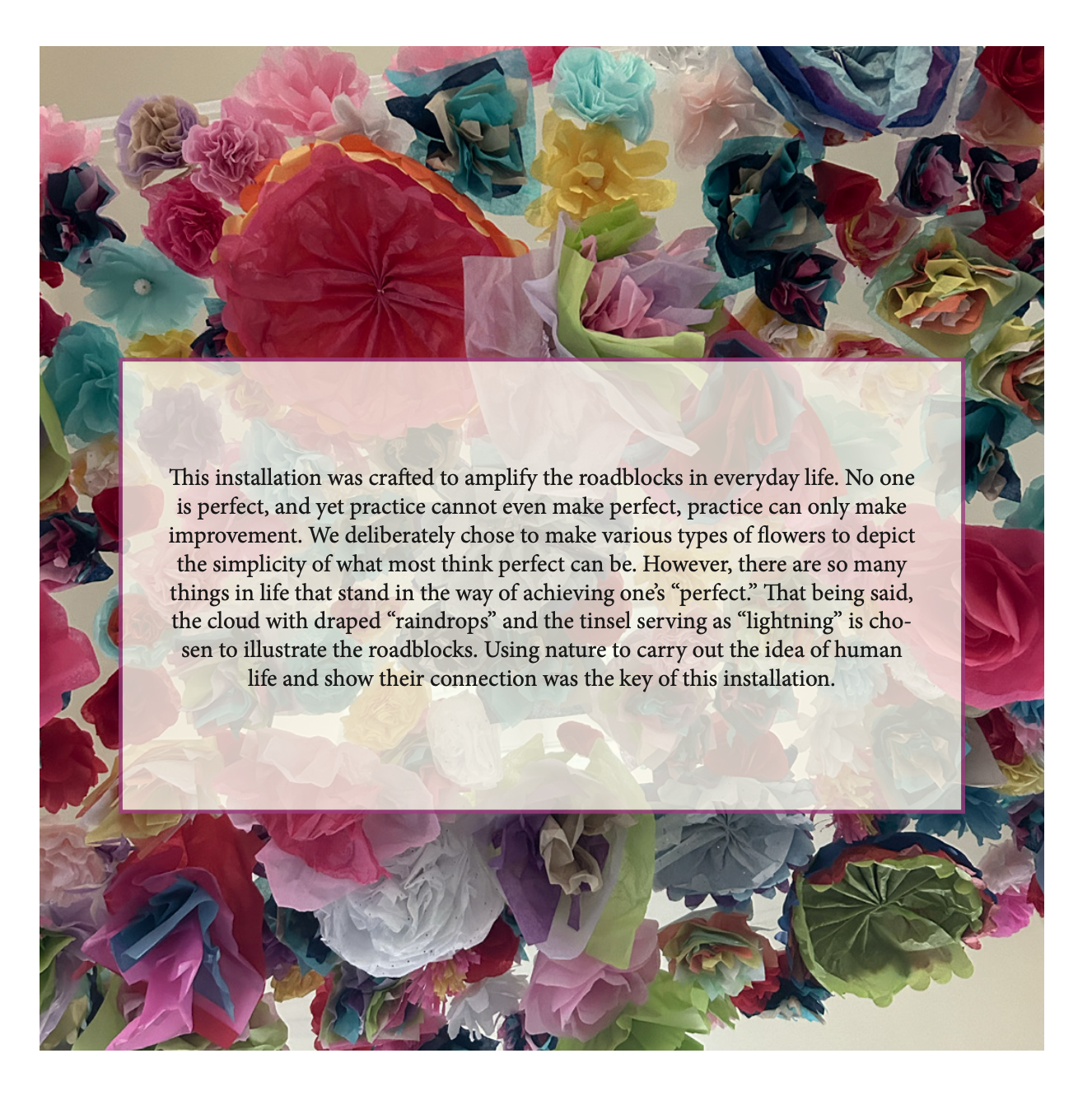
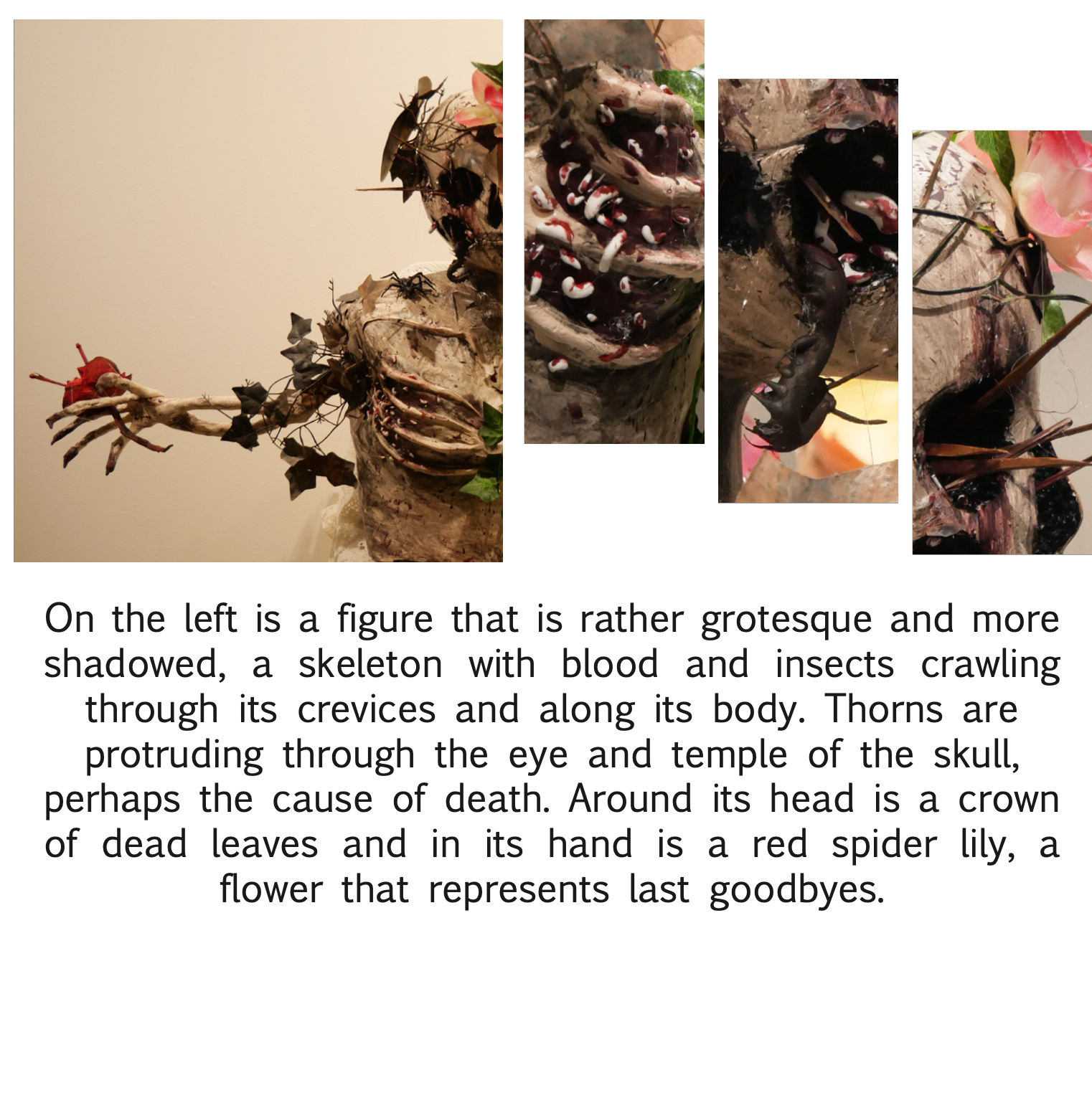
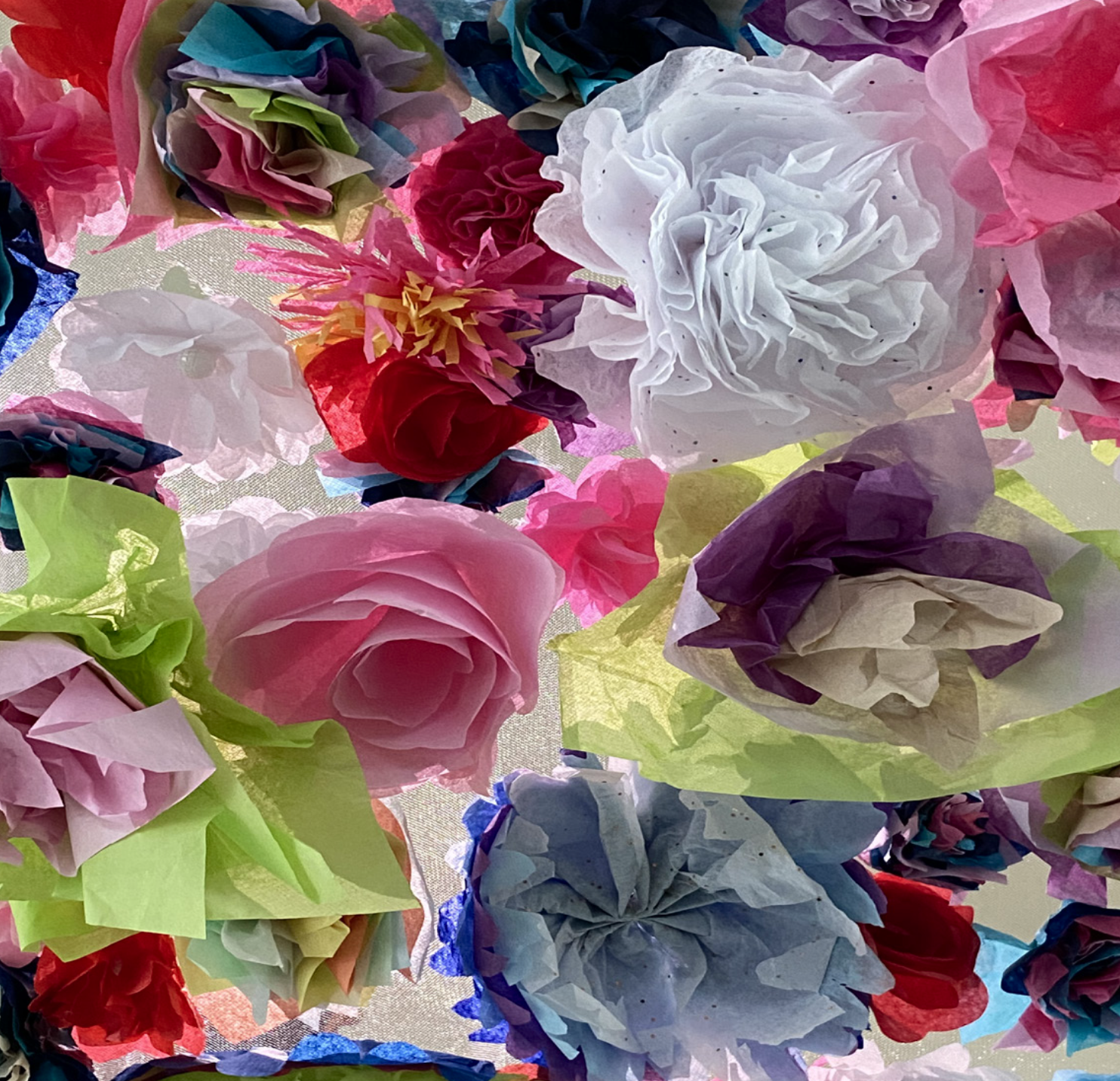
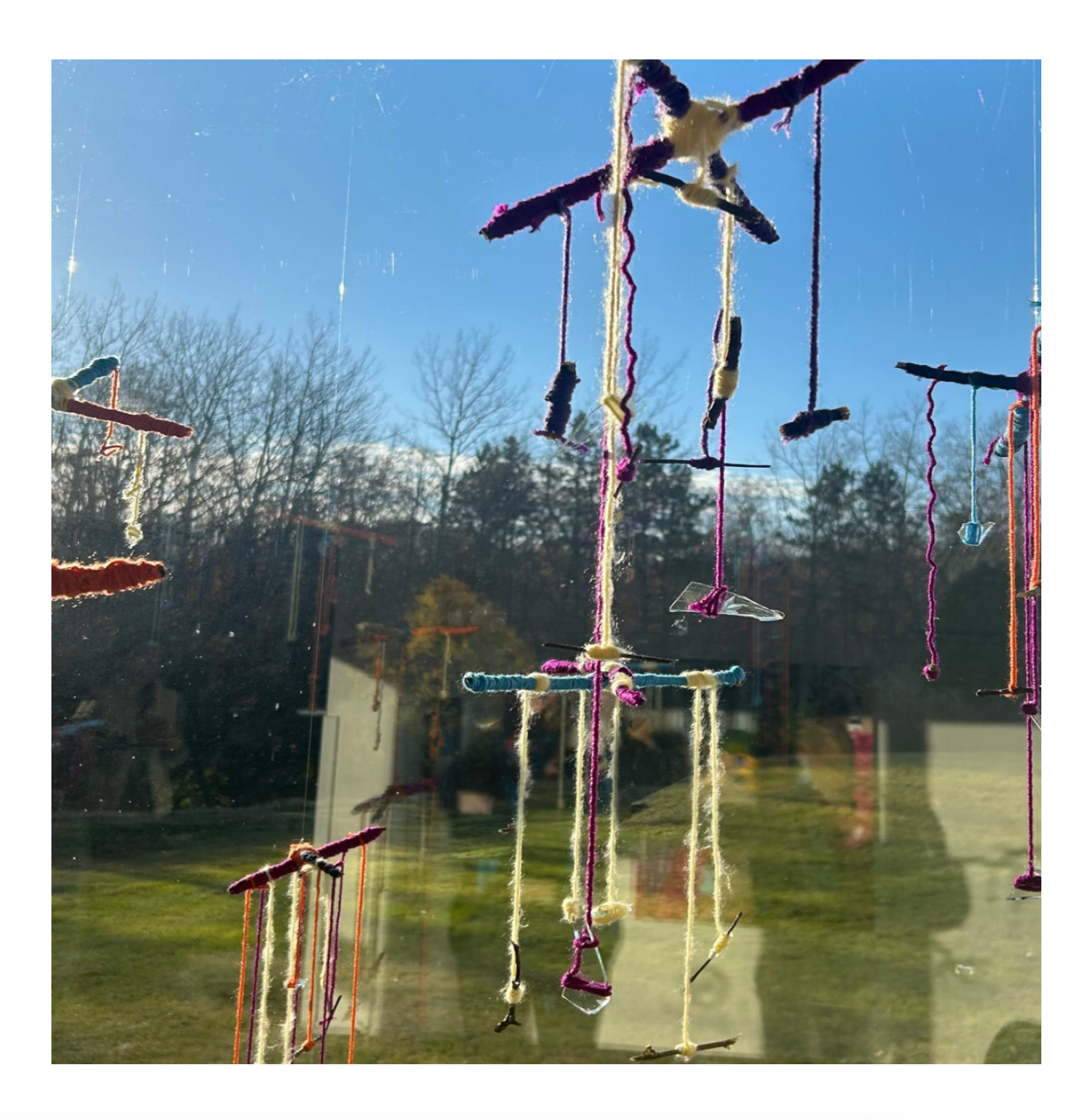
This project teaches students to work together to build an installation based on a concept. After they have come together to brainstorm 3 concepts they can work on they meet with me to discuss expenses, attainability, and location. They build their installation by using a minimum of 5 materials, set up in the location that speaks to the concept the most, and have to photograph the installation each themselves. These images are then processed and created in a book that explains the concept, location, curation and methods of working. Each student must produce their own book.







Design: Image [116]
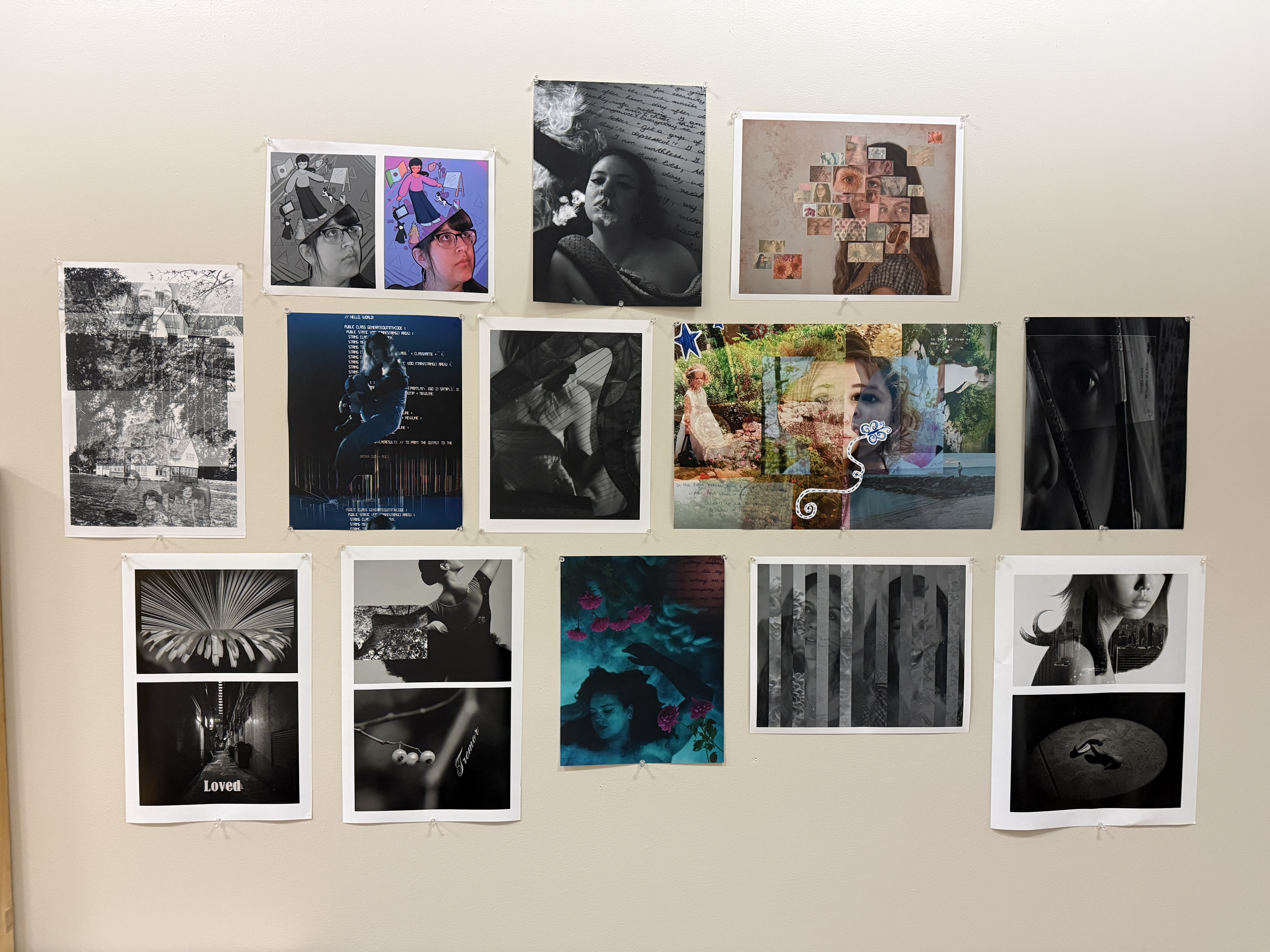
At Kendall College of Art and Design I have had the pleasure of re-vamping and expanding our foundation course to include more digital editing and learning. This includes beginning with the basic photoshop tools and then expanding to photography, layering, and scanning. This course is the foundations of the digital programs at Kendall College that prepares students for photography, graphic design and other programs that utilize multiple types of digital art and mixed media.
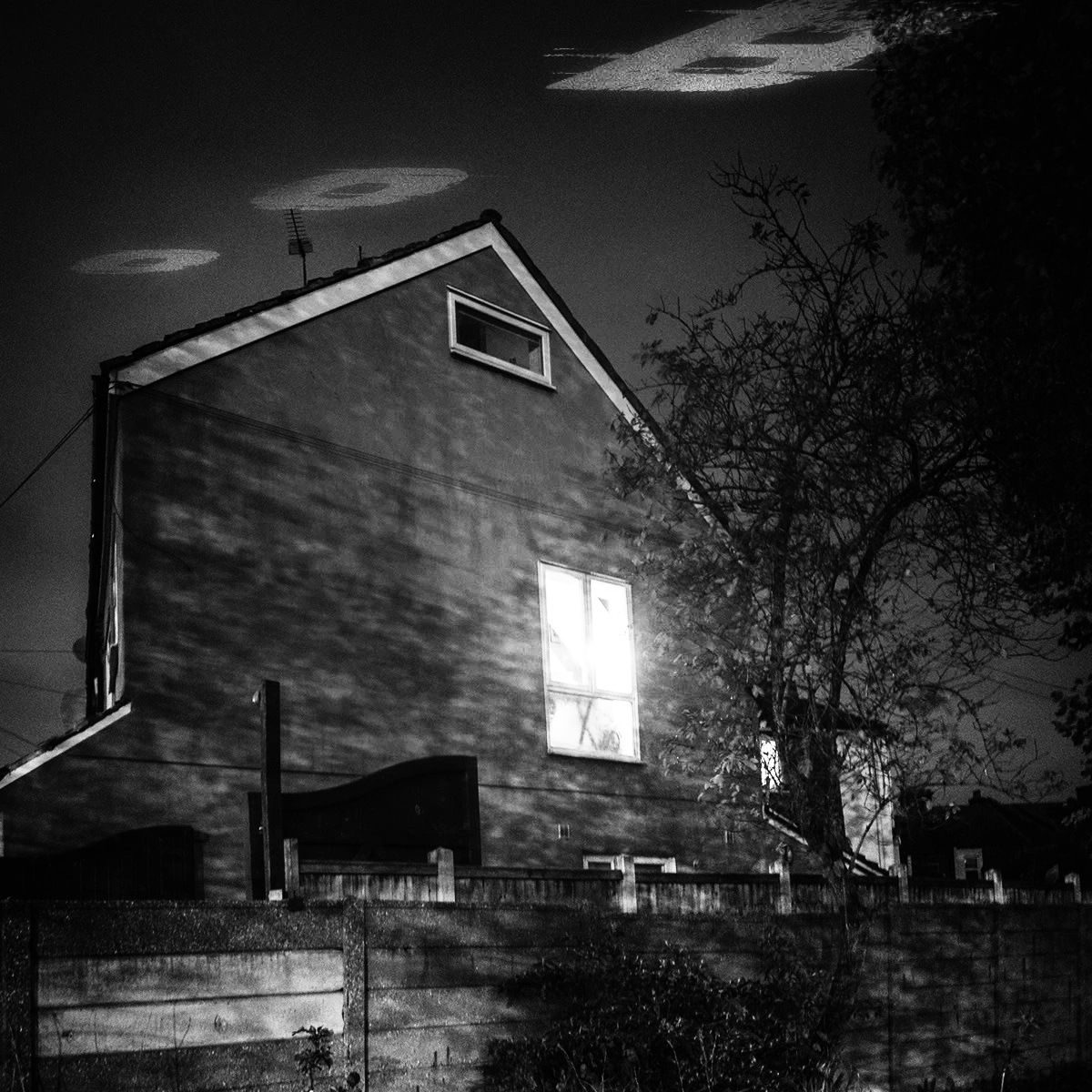
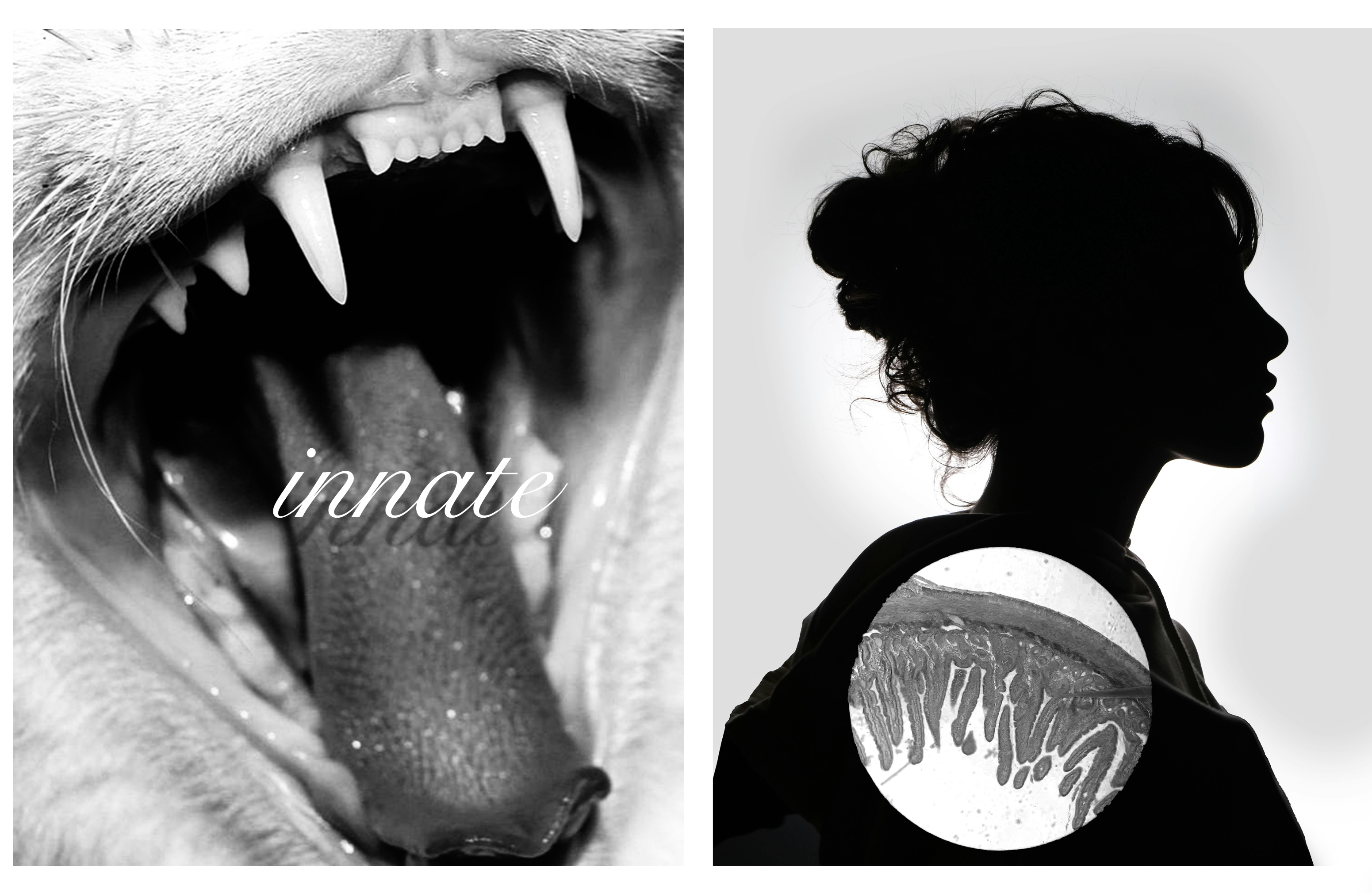
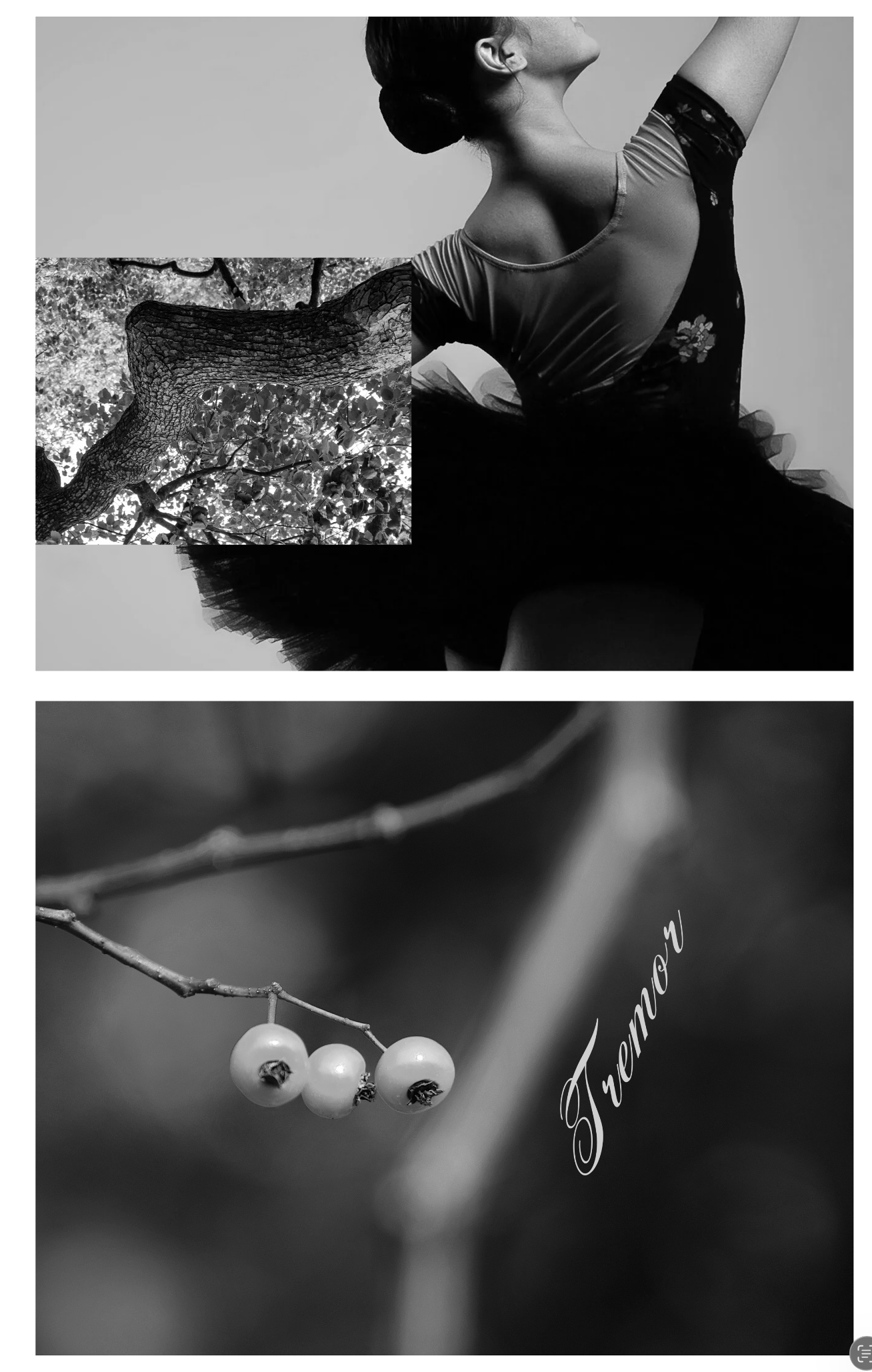
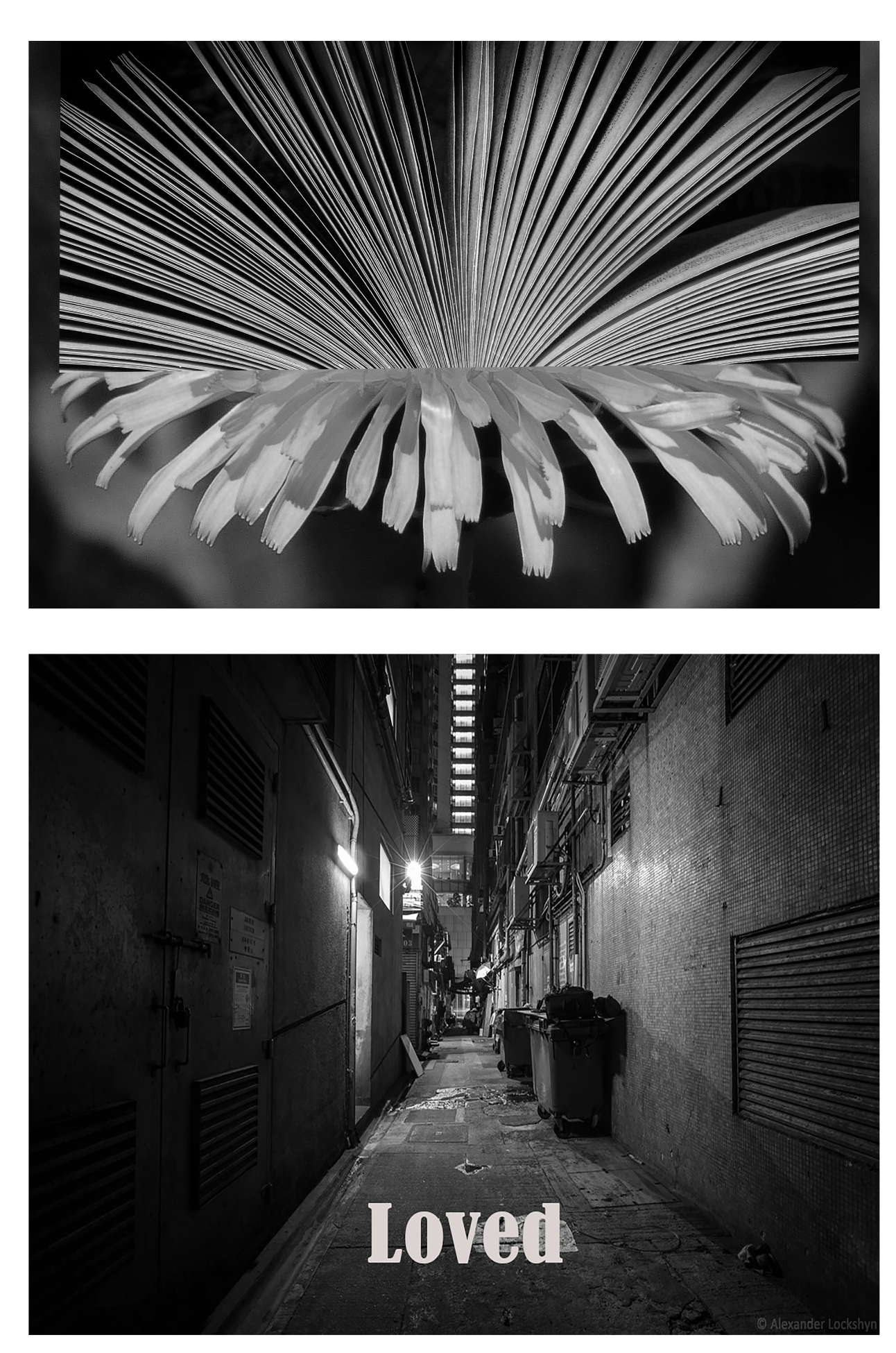
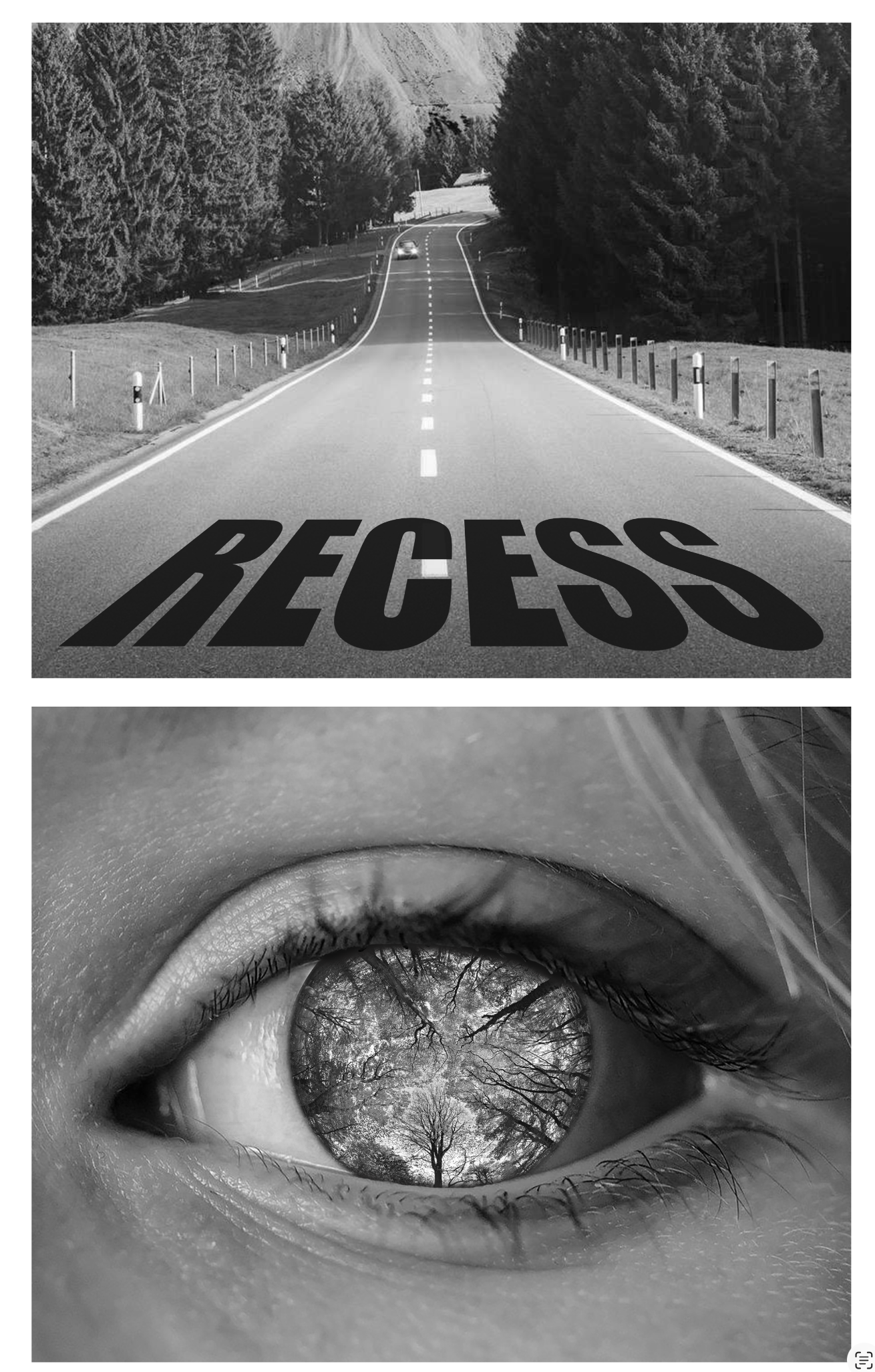
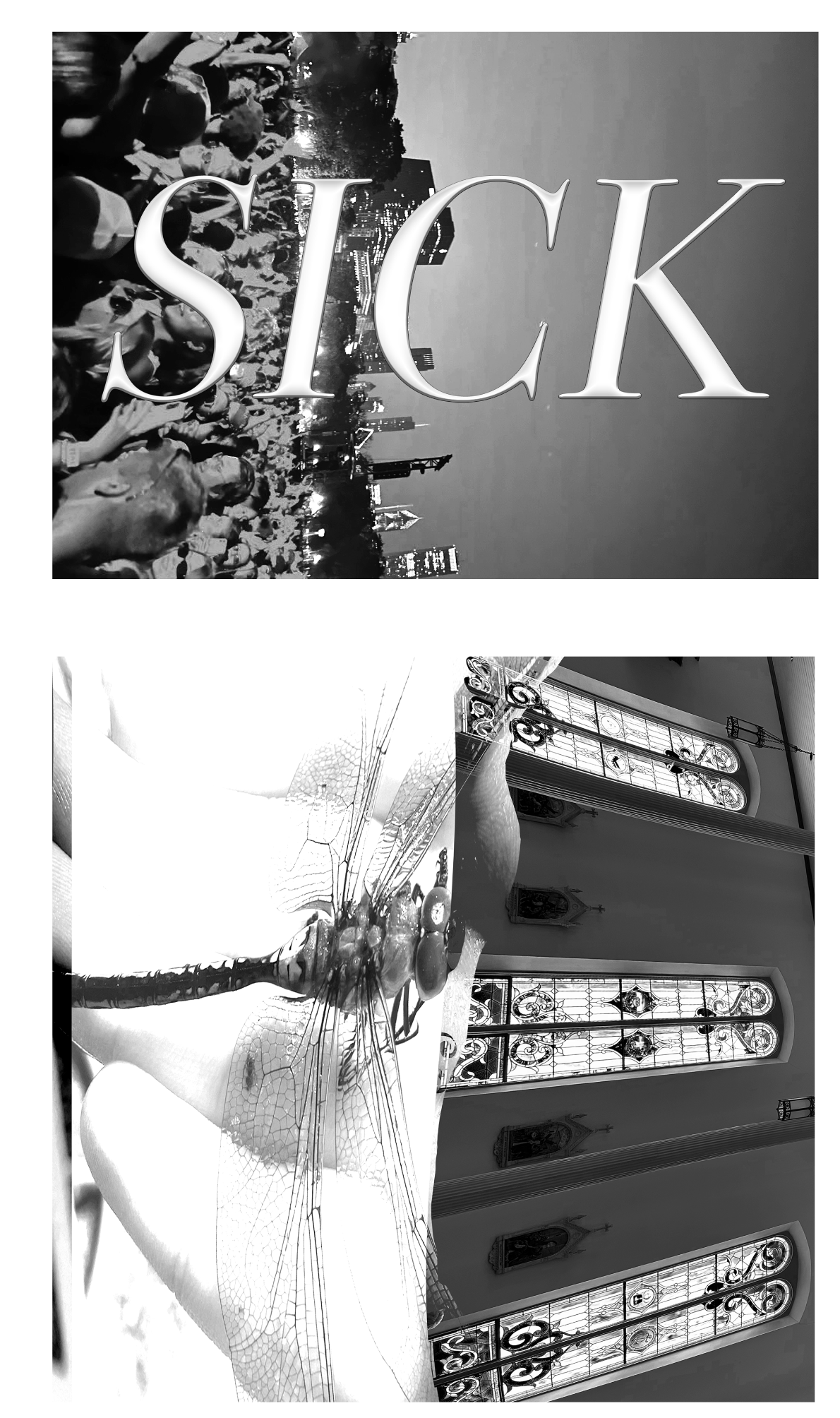
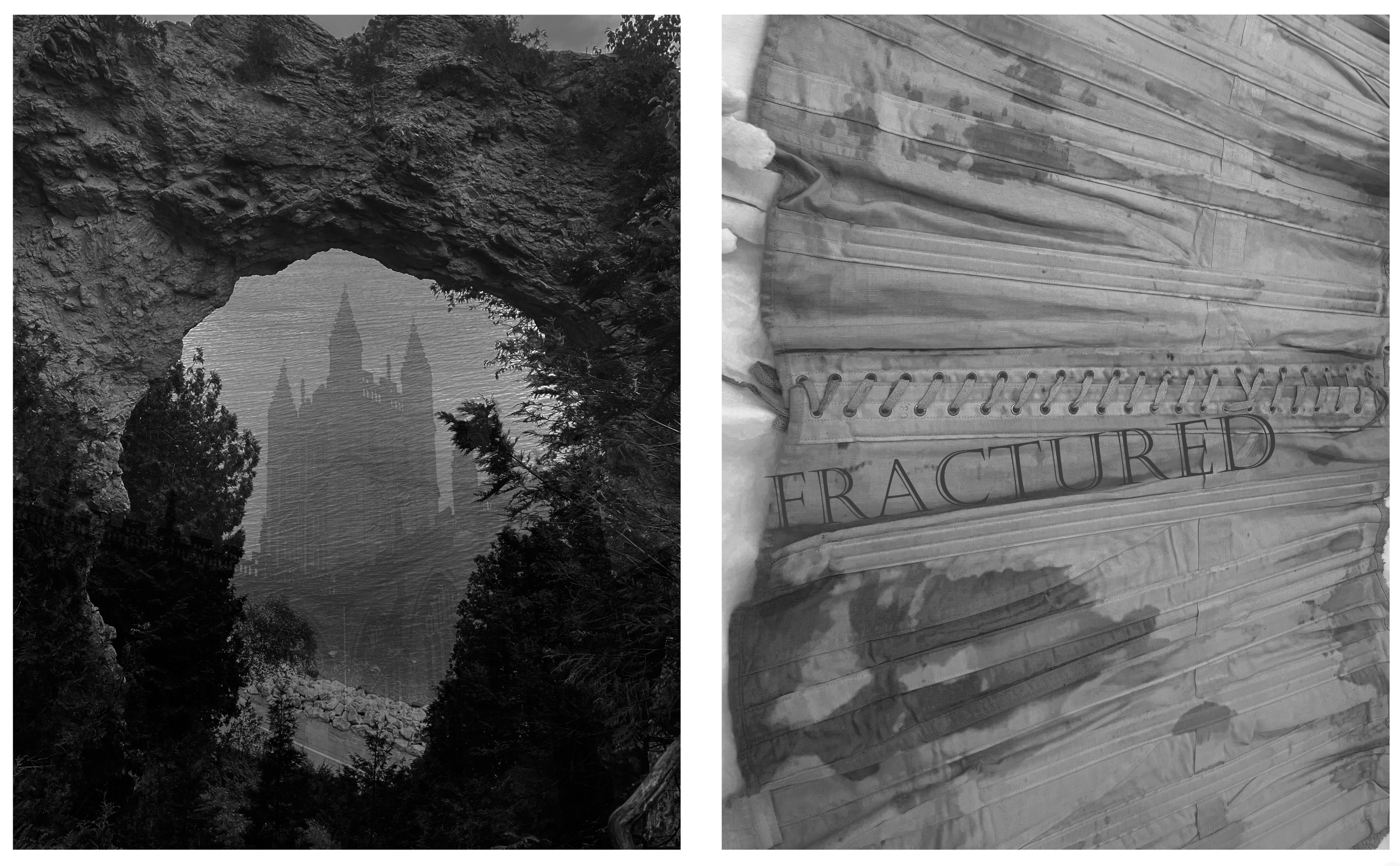
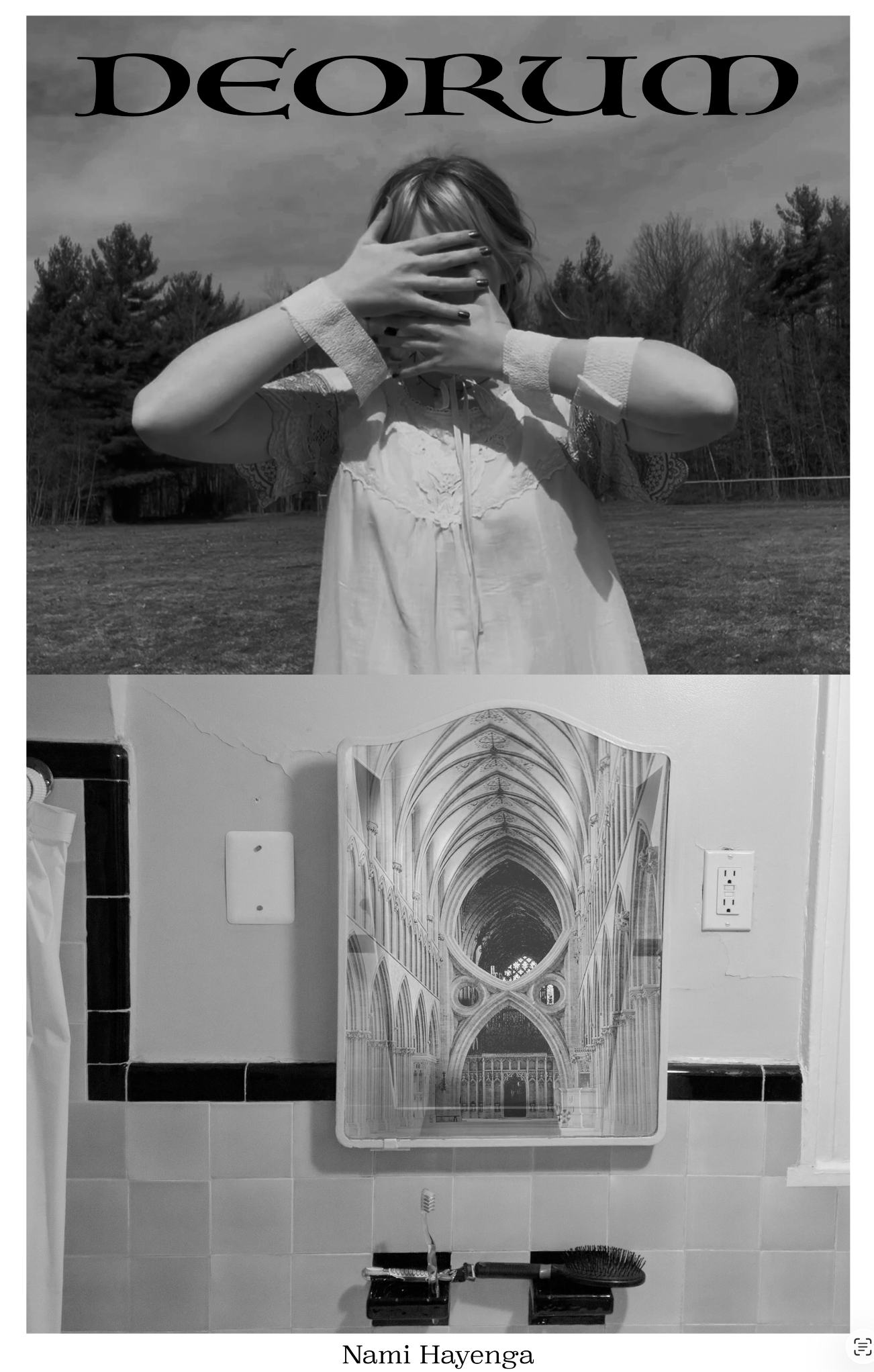
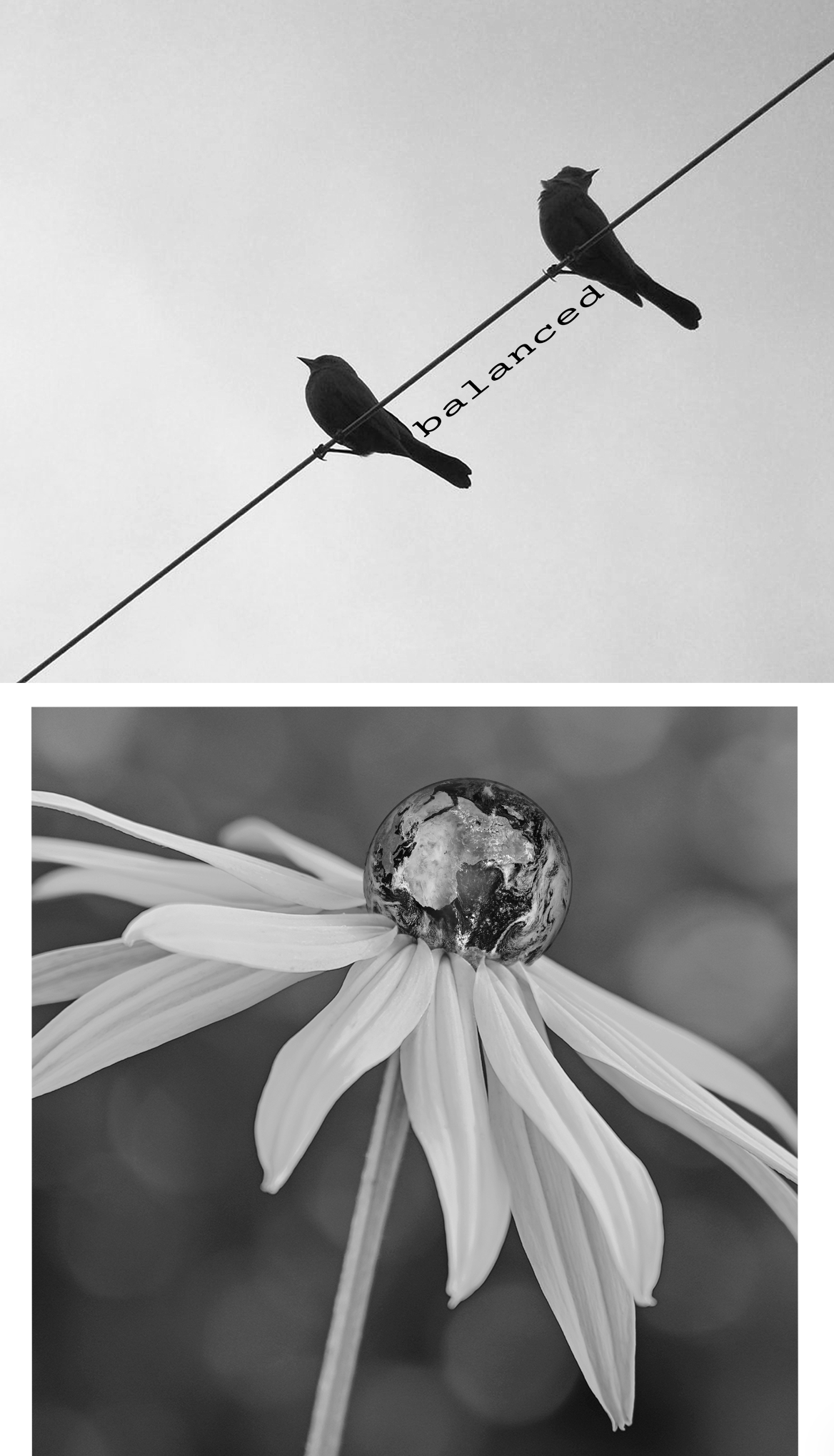
Project: Word-Image / Image-Image
A project to educate students on composition, balance, and introductory layering within photoshop. This project shows the difference in interpretation the viewer may take away with different images next to each other OR with slight changes of words or images. This showcases the importance of curation, choice of words, choice of image, and the power of the viewers interpretation if the artist is not very intentional about their choices.
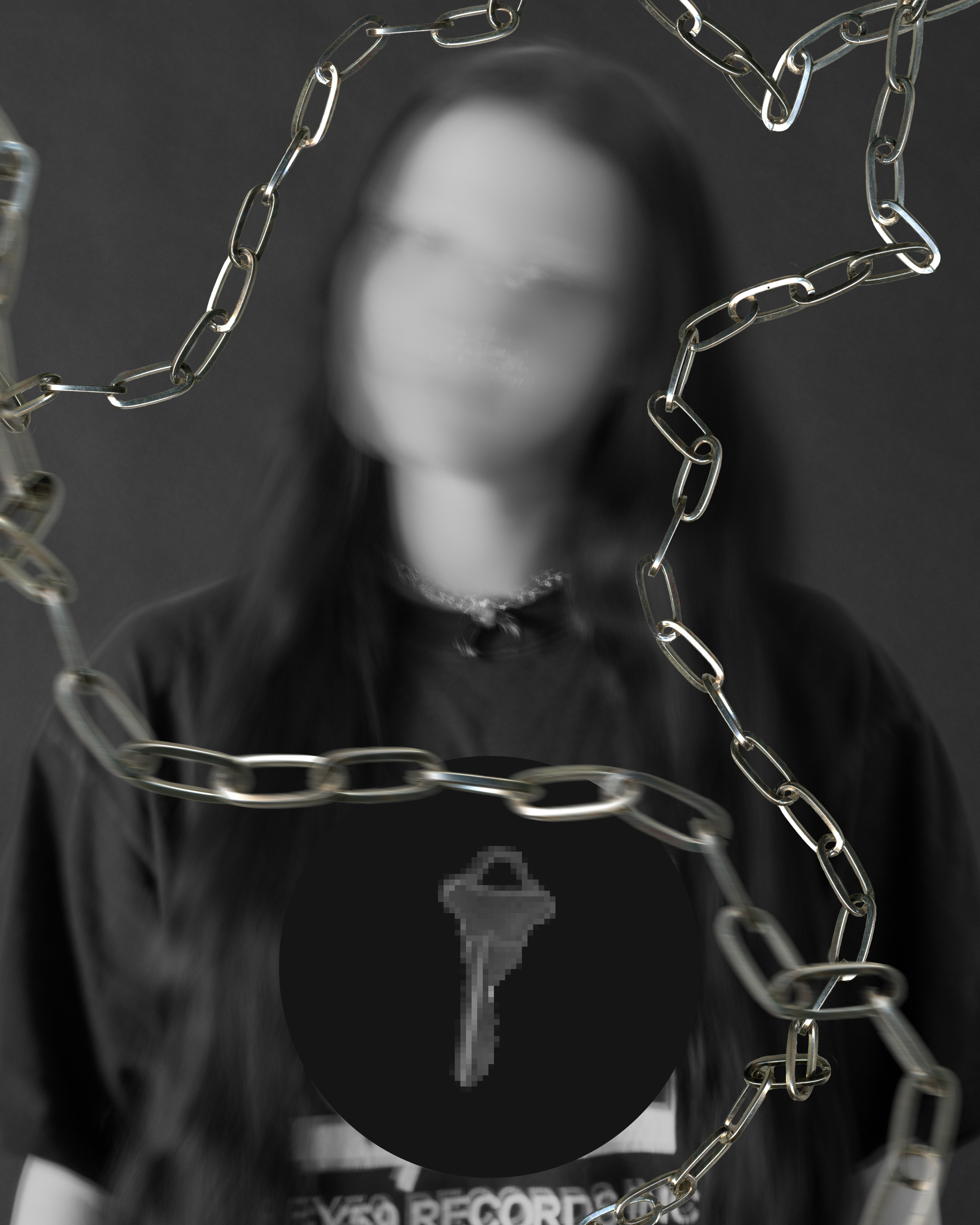
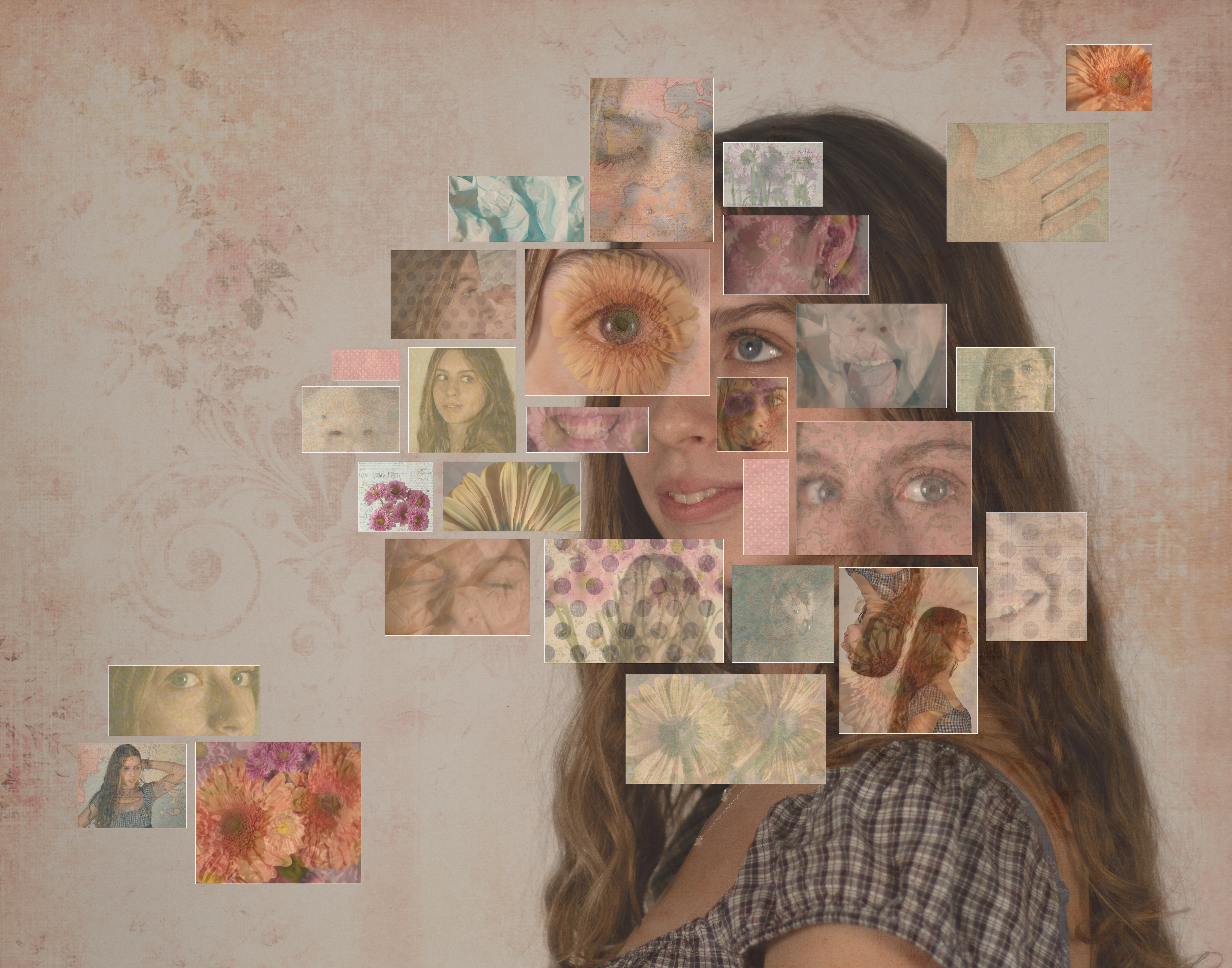
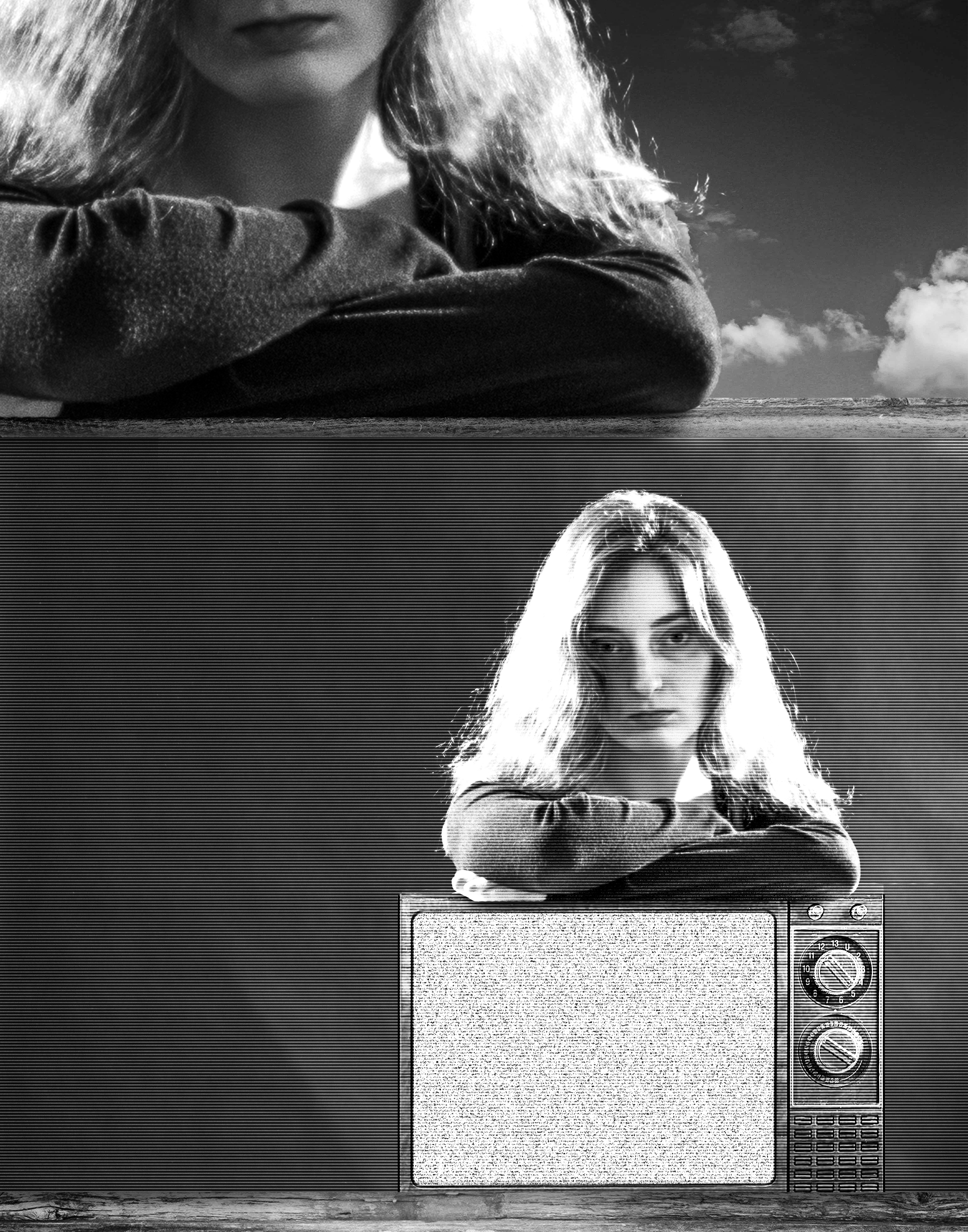
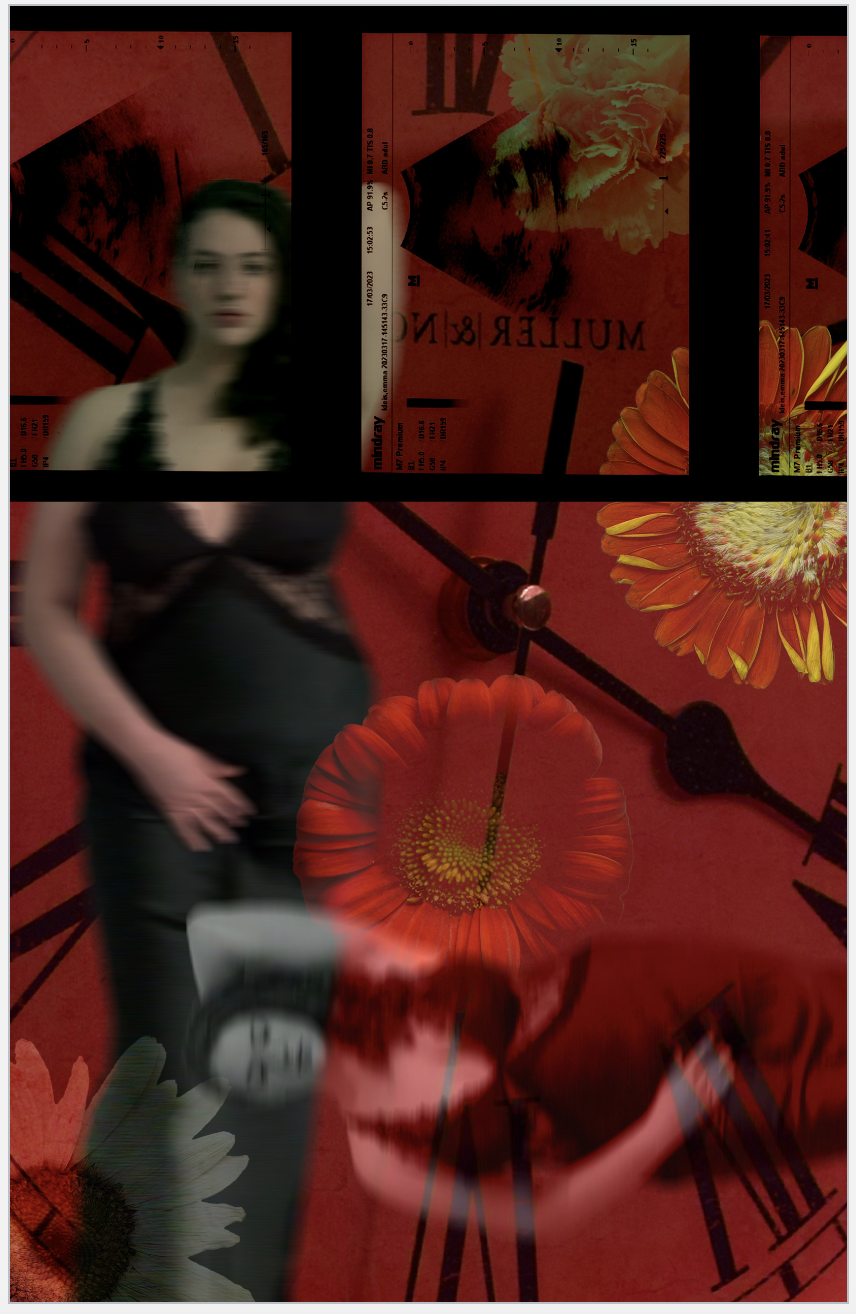
Project: Selfie Project
A project that dives a bit deeper in photoshop, layering, editing while introducing photography as a main component. Students learn aperture, shutter speed, and importance of composition in the camera as well as intentional backgrounds. Studio photography is introduced as well as concept within an image. Students are to produce one black and white image that strips color as a distraction, and one color composition that can speak more to the topic or concept they have chosen. The work must be somewhat connected to the student’s hobbies, identity or personal exploration.
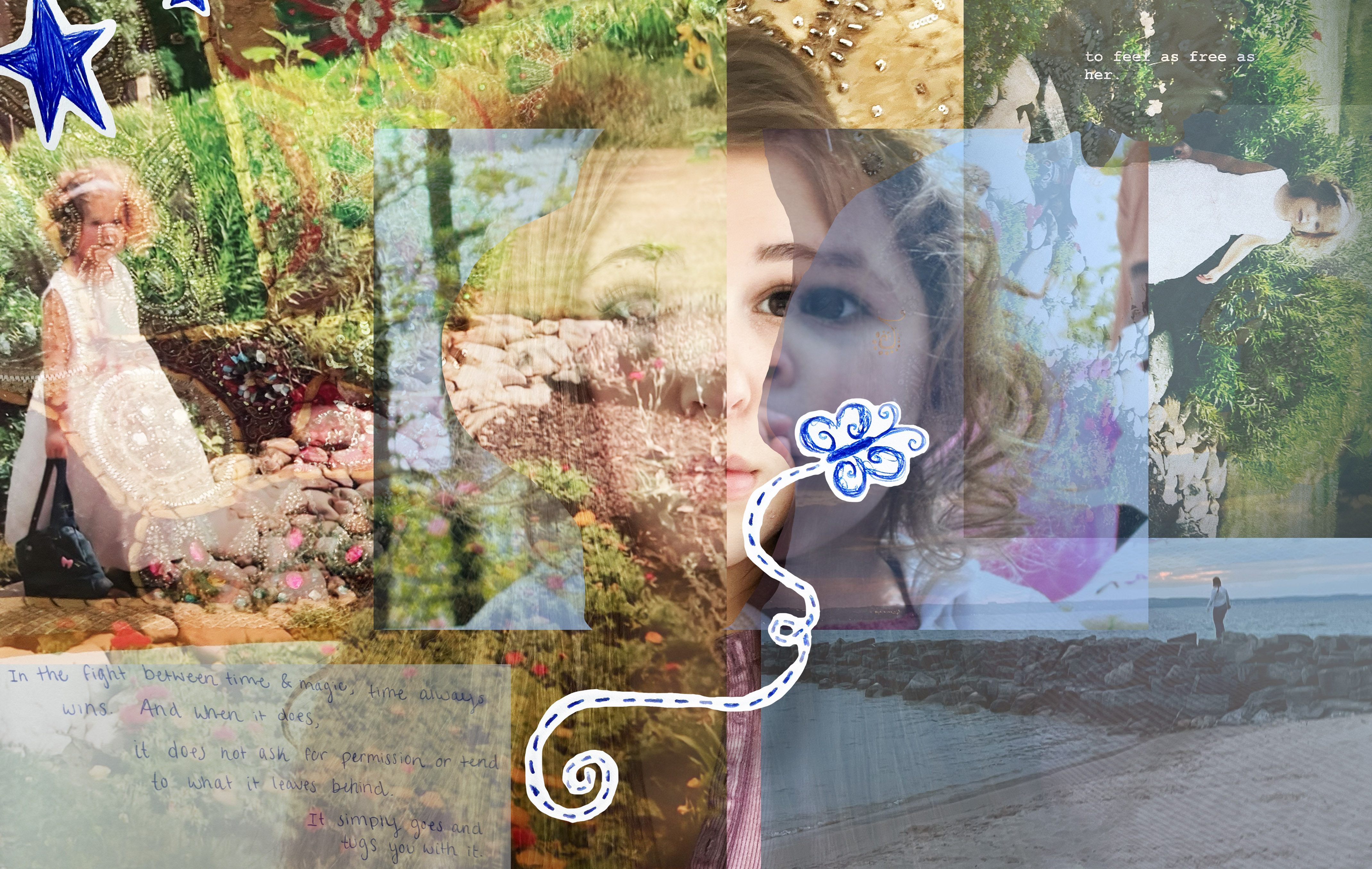
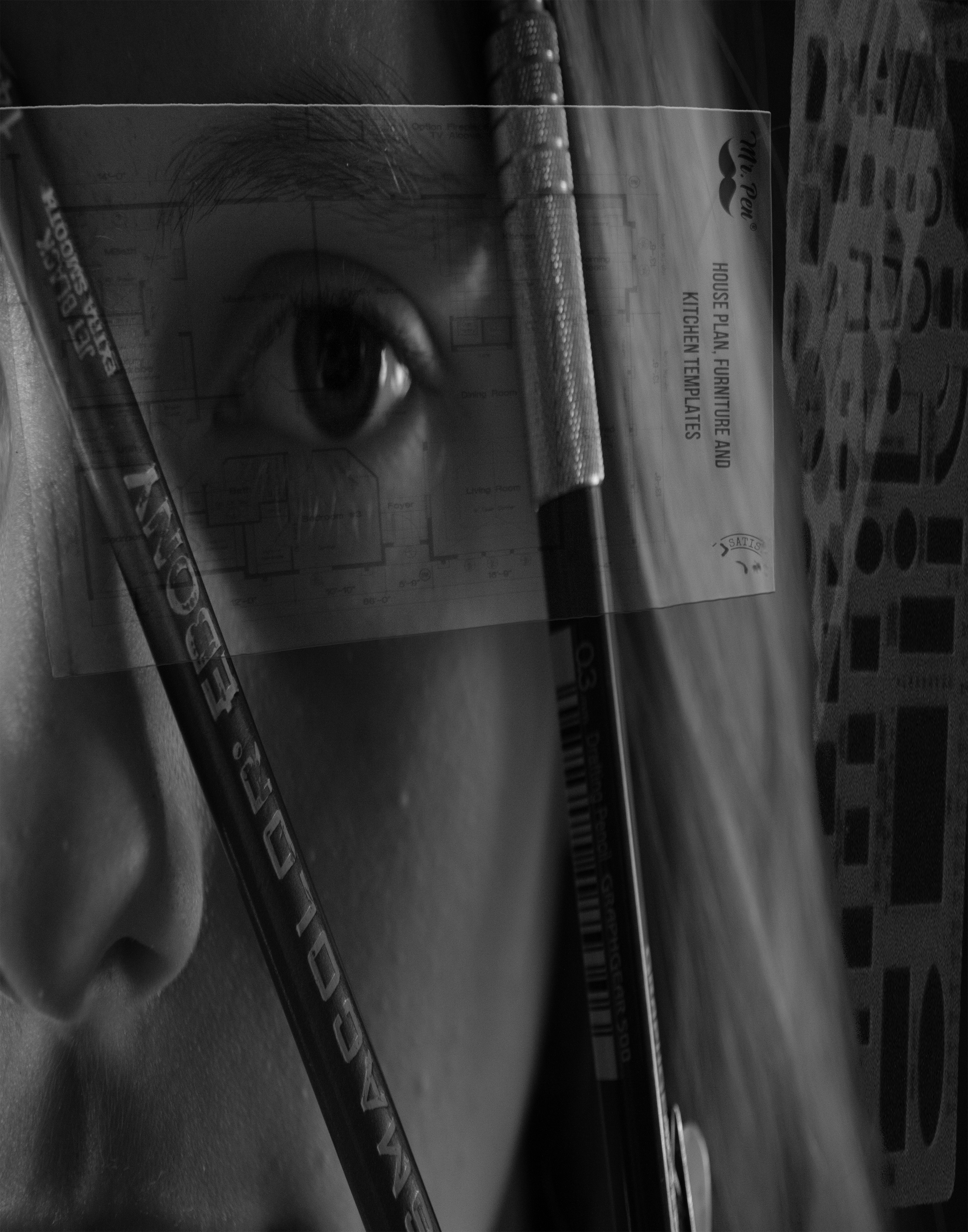
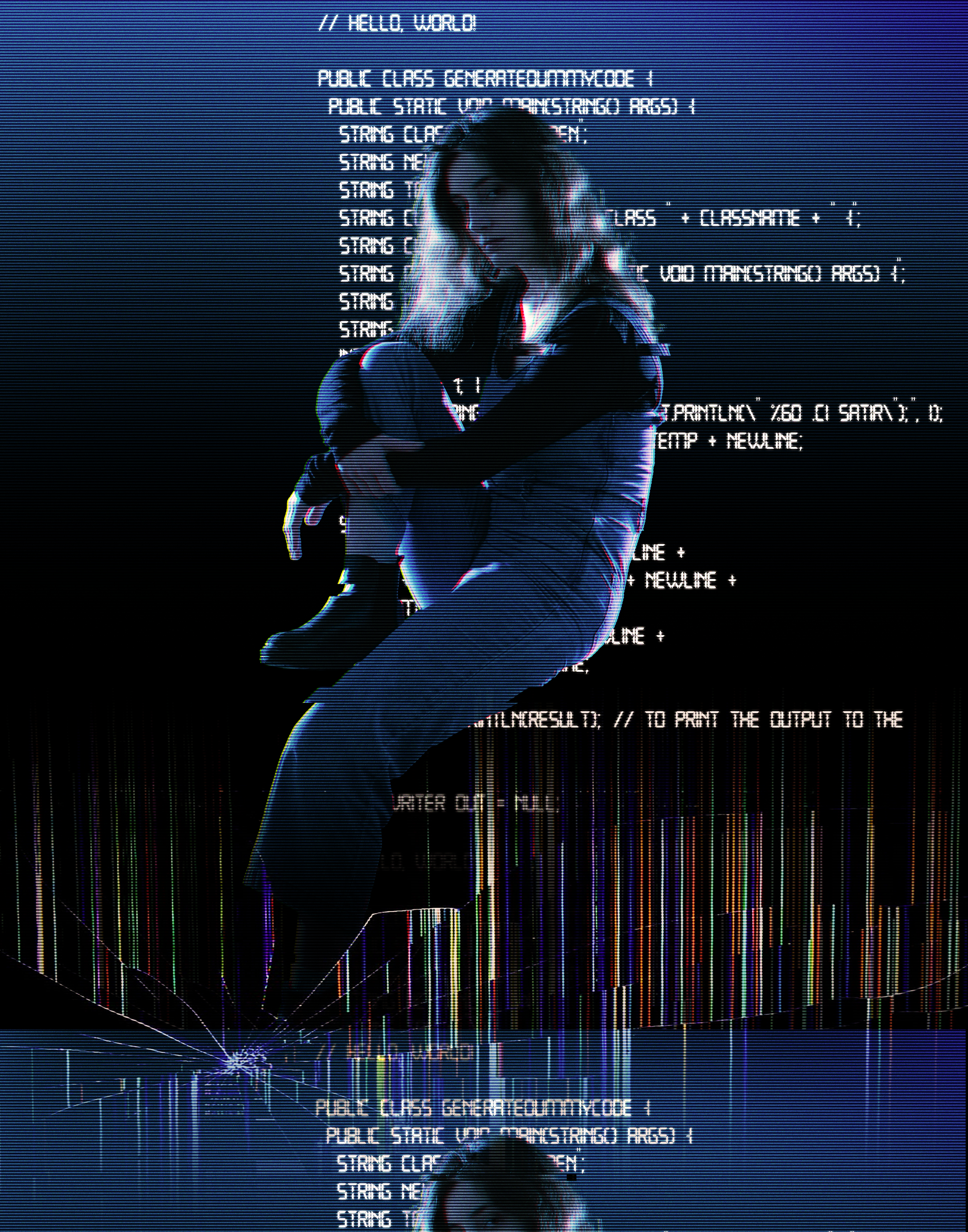
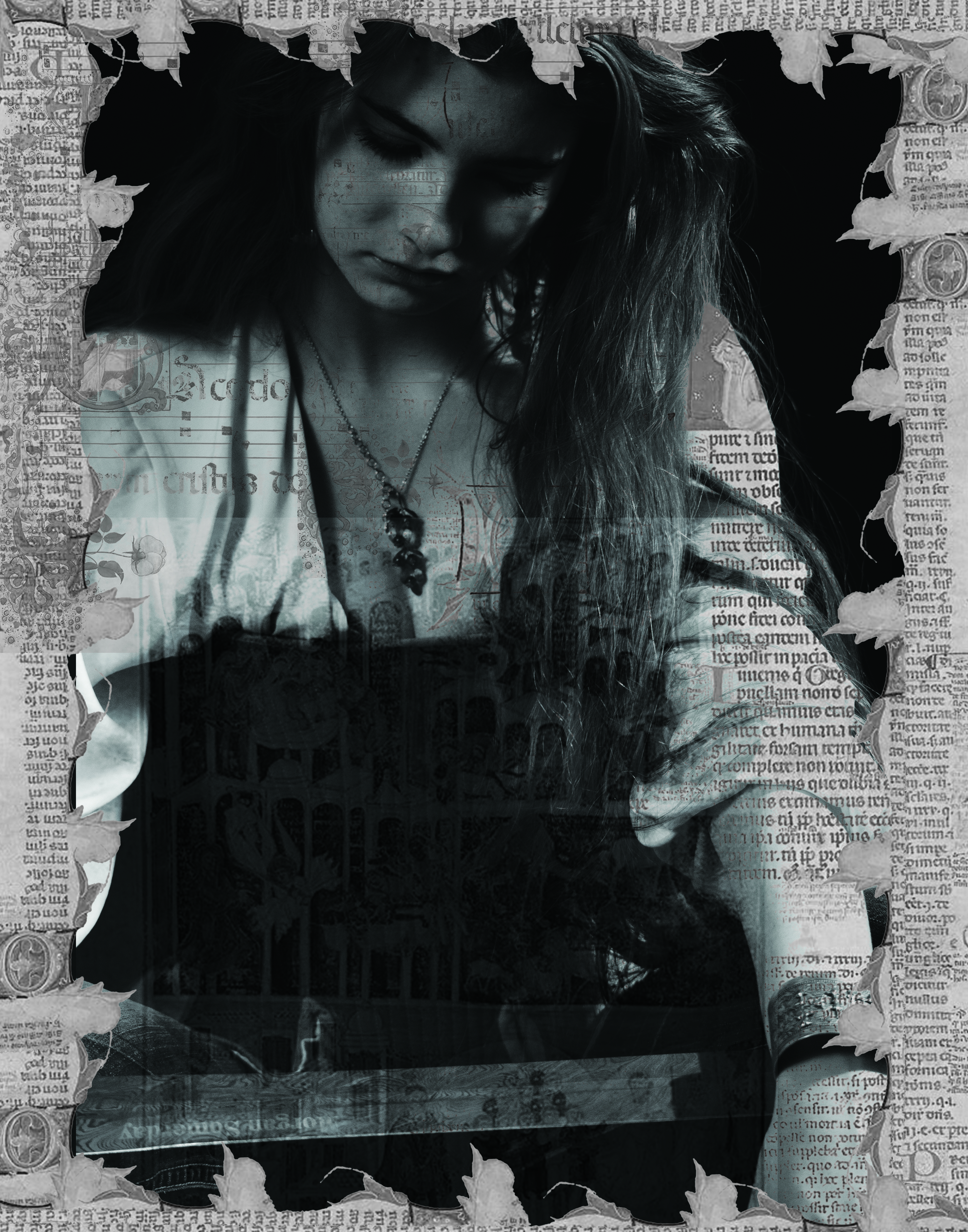
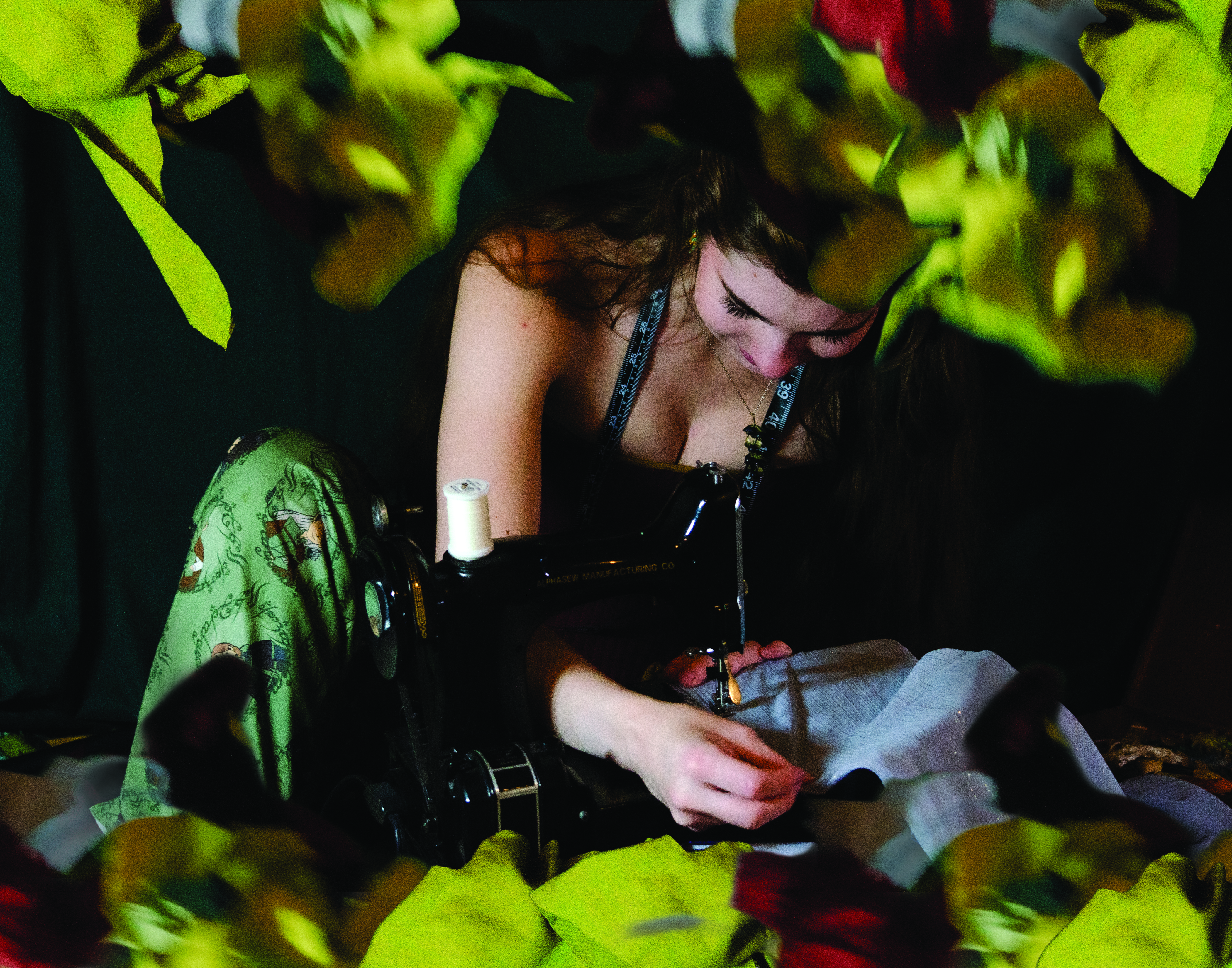
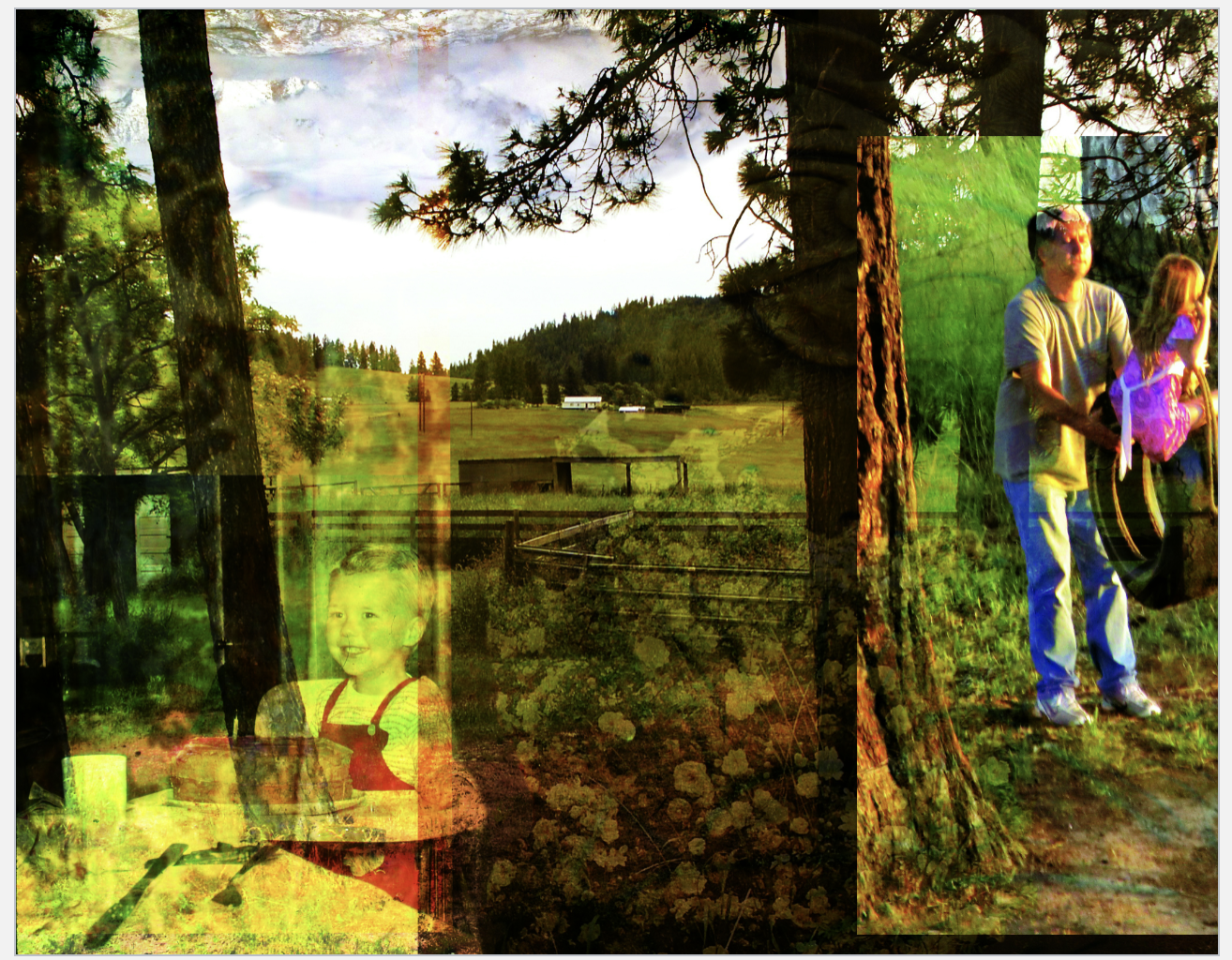
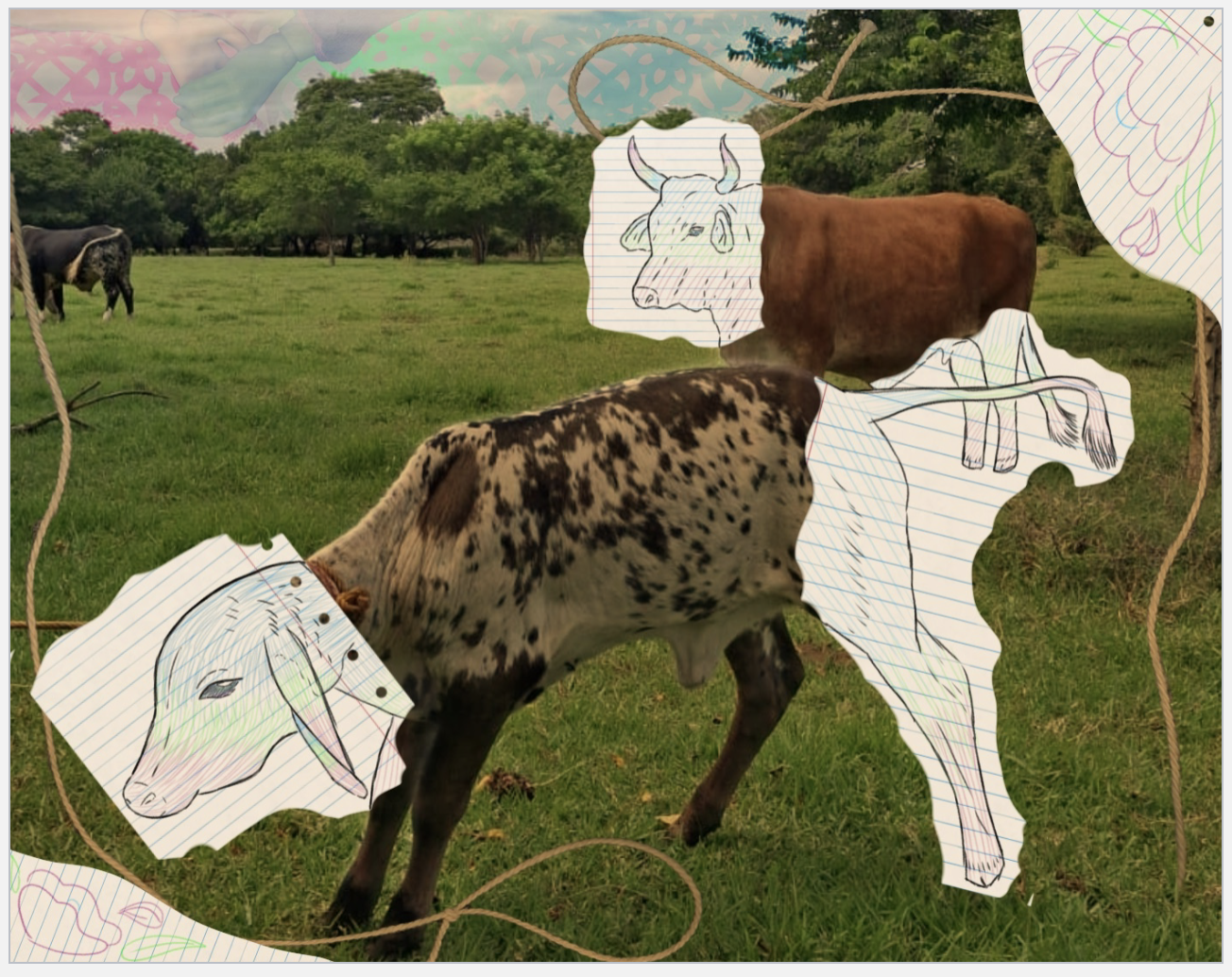
Project: The Dreamy Landscape
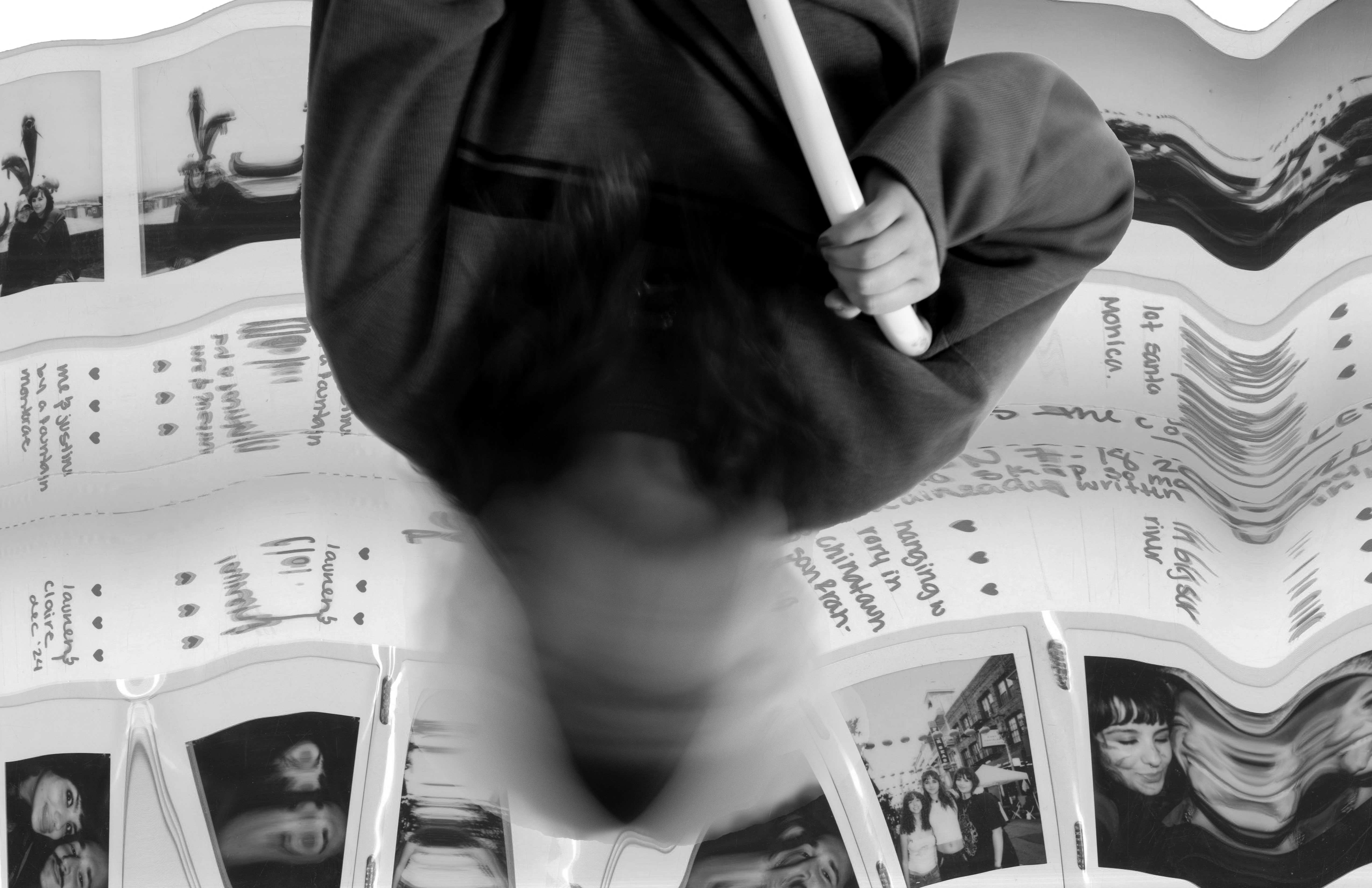
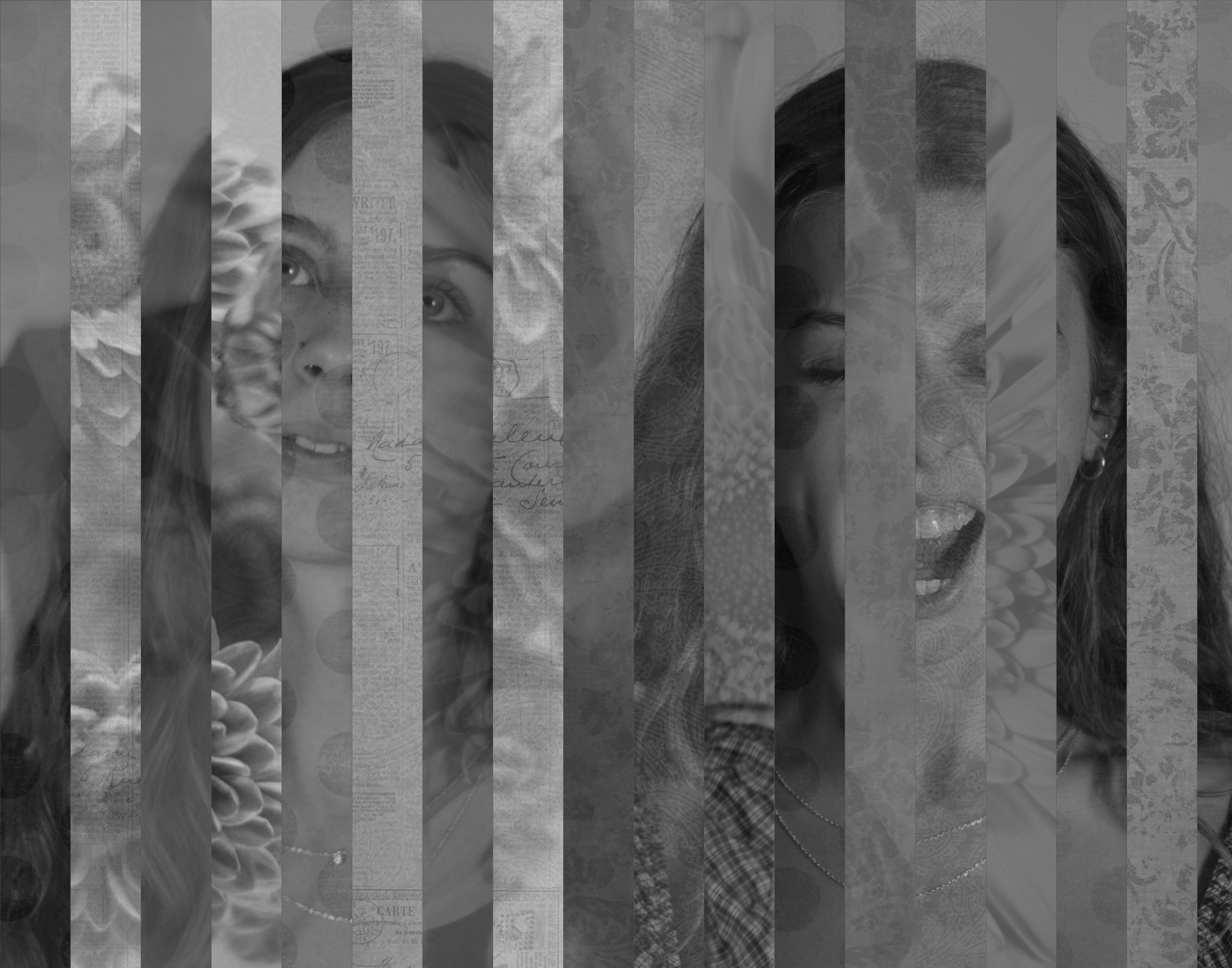
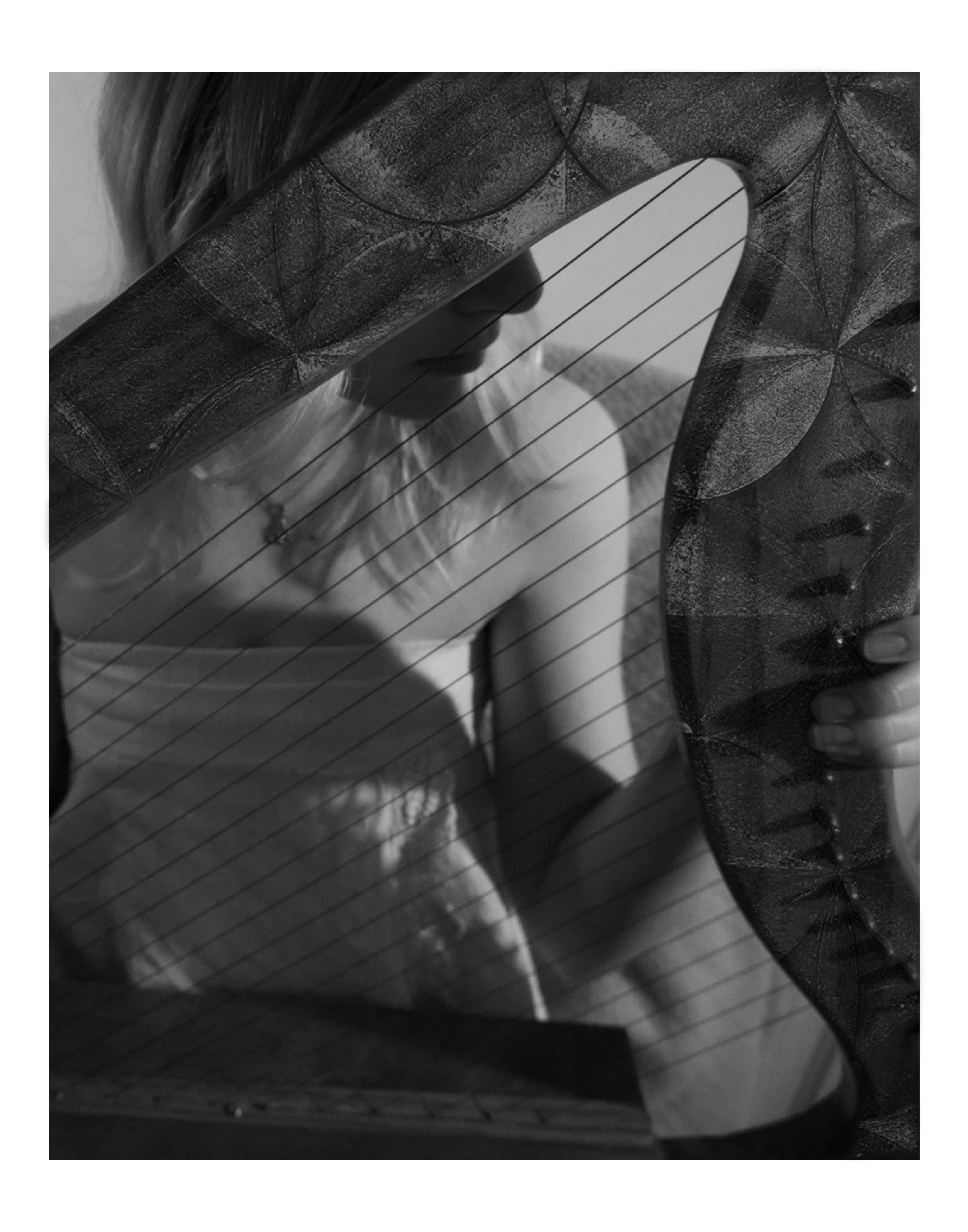
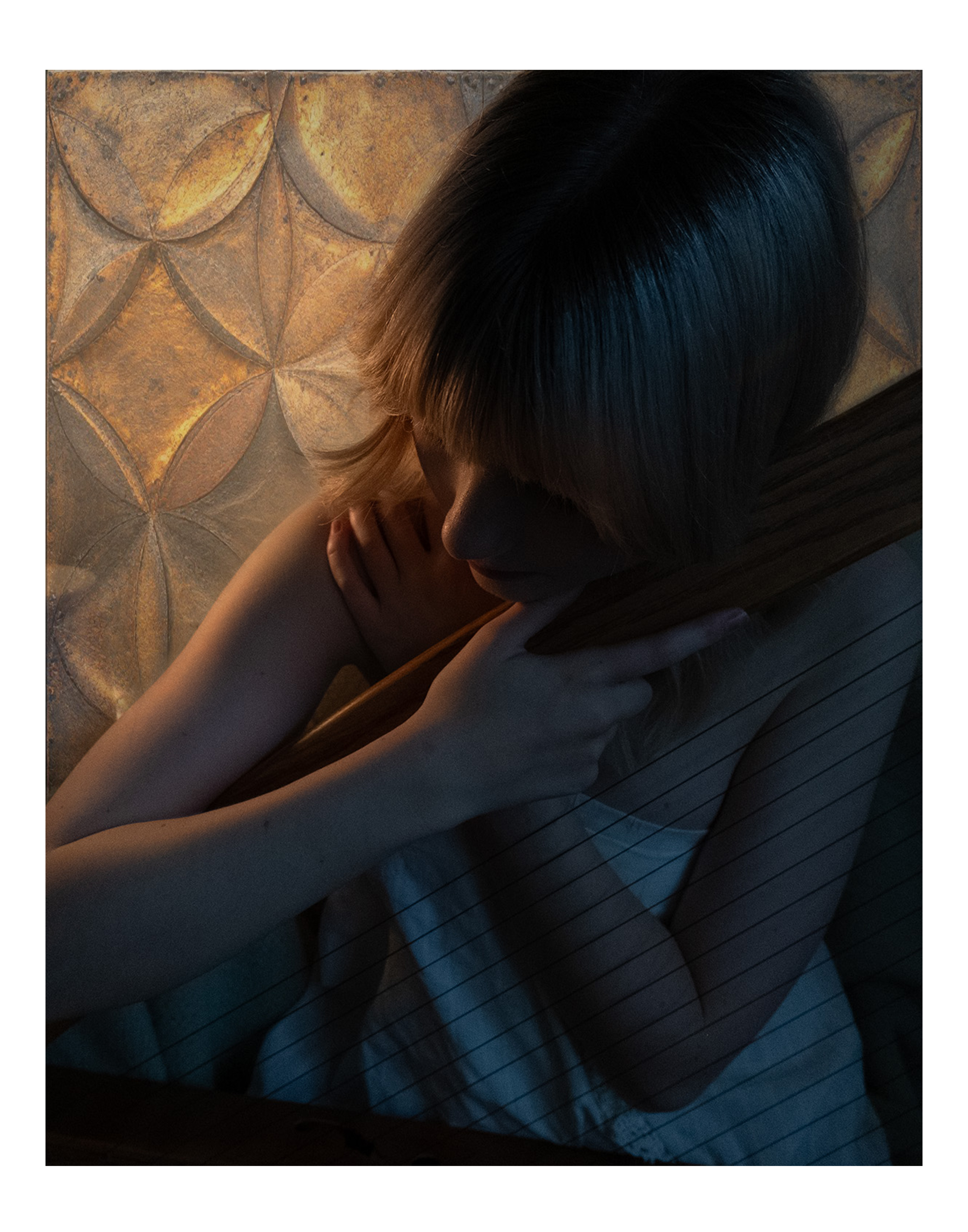
A project aimed at expanding student’s knowledge of scanning, photography and layering with photoshop. This project incorporates scanned in tangible object, scanned 2D materials, illustration, drawing, fabric, and photography. Students must choose 5 elements to add to the base of their photograph composition that add to their concept. It is encouraged that the student utilizes their own art discipline they are majoring in to create a mixed media piece that can be created inside and outside of the computer.
 Paige Young